https://github.com/alexanderfabisch/convnets-keras
Science Score: 10.0%
This score indicates how likely this project is to be science-related based on various indicators:
-
○CITATION.cff file
-
○codemeta.json file
-
○.zenodo.json file
-
○DOI references
-
✓Academic publication links
Links to: arxiv.org -
○Academic email domains
-
○Institutional organization owner
-
○JOSS paper metadata
-
○Scientific vocabulary similarity
Low similarity (10.3%) to scientific vocabulary
Last synced: 10 months ago
·
JSON representation
Repository
Basic Info
- Host: GitHub
- Owner: AlexanderFabisch
- Language: Python
- Default Branch: master
- Size: 3.49 MB
Statistics
- Stars: 0
- Watchers: 2
- Forks: 0
- Open Issues: 0
- Releases: 0
Fork of heuritech/convnets-keras
Created about 10 years ago
· Last pushed about 10 years ago
https://github.com/AlexanderFabisch/convnets-keras/blob/master/
# convnets-keras This repo is regrouping some of of the most used CNN, pre-trained on the ImageNet Dataset, all of them implemented in Keras framework : - AlexNet : https://papers.nips.cc/paper/4824-imagenet-classification-with-deep-convolutional-neural-networks.pdf - VGG16 and VGG19 : http://arxiv.org/pdf/1409.1556.pdf We also propose a heatmap option, which allow to detect the location of an object from a given synset.Here, we detect all the objects linked to the synsets cars, and we produce a heatmap :
## Install The only dependencies are h5py, Theano and Keras. Run the following commands ``` pip install --user cython h5py pip install --user git+https://github.com/Theano/Theano.git pip install --user git+https://github.com/fchollet/keras.git ``` ## Get the weights of the pre-trained networks The weights can be found here : * AlexNet weights * VGG16 weights * VGG19 weights ## How to use the convnets **BEWARE** !! : Since the networks have been trained in different settings, the preprocessing is different for the differents networks : * For the AlexNet, the images (for the mode without the heatmap) have to be of shape (227,227). It is recommended to resize the images with a size of (256,256), and then do a crop of size (227,227). The colors are in RGB order. ```python im = preprocess_image_batch(['examples/dog.jpg'],img_size=(256,256), crop_size=(227,227), color_mode="rgb") sgd = SGD(lr=0.1, decay=1e-6, momentum=0.9, nesterov=True) model = convnet('alexnet',weights_path="weights/alexnet_weights.h5", heatmap=False) model.compile(optimizer=sgd, loss='mse') out = model.predict(im) ``` * For the VGG, the images (for the mode without the heatmap) have to be of shape (224,224). It is recommended to resize the images with a size of (256,256), and then do a crop of size (224,224). The colors are in BGR order. ```python im = preprocess_image_batch(['examples/dog.jpg'],img_size=(256,256), crop_size=(224,224), color_mode="bgr") sgd = SGD(lr=0.1, decay=1e-6, momentum=0.9, nesterov=True) ## For the VGG16, use this command model = convnet('vgg_16',weights_path="weights/vgg16_weights.h5", heatmap=False) ## For the VGG19, use this one instead # model = convnet('vgg_19',weights_path="weights/vgg19_weights.h5", heatmap=False) model.compile(optimizer=sgd, loss='mse') out = model.predict(im) ``` ## Performances on ImageNet The errors are tested on ImageNet validation set. The prediction time is computed on a GeForce GTX TITAN X, with a Theano backend, and a batch size of 64. AlexNet has lower results than the two VGGs, but it is much more lighter and faster, so it can easily be run on a small GPU (like on AWS), or even on a CPU. ``` Networks | AlexNet | VGG16 | VGG19 | ------------------------------------------------------------------------------- Top 1 Error | 42,94% | 32,93% | 32,77% | Top 5 error | 20,09% | 12,39% | 12,17% | Top 10 error | 13,84% | 7,77% | 7,80% | Number of params | 61M | 138M | 144M | Prediction time, batch of 64 (GPU) | 0.4101s | 0.9645s | 1.0370s | Prediction time, single image (CPU) | 0.6773s | 1.3353s | 1.5722s | ``` ## How to use the heatmap The heatmap are produced by converting the model into a fully convolutionize model. The fully connected layers are transformed into convolution layers (by using the same weights), so we are able to compute the output of the network on each sub-frame of size (227,227) (or (224,224)) of a bigger picture. This produces a heatmap for each label of the classifier. Using the heatmap is almost the same thing than directly classify. We suppose that we want the heatmap of the all the synsets linked with dogs, which are all the children in Wordnet of the synset "n02084071" (see next section to know how to find how we can get all the labels linked with a given synset) : ```python im = preprocess_image_batch(['examples/dog.jpg'], color_mode="bgr") sgd = SGD(lr=0.1, decay=1e-6, momentum=0.9, nesterov=True) model = convnet('alexnet',weights_path="weights/alexnet_weights.h5", heatmap=True) model.compile(optimizer=sgd, loss='mse') out = model.predict(im) s = "n02084071" ids = synset_to_dfs_ids(s) heatmap = out[0,ids].sum(axis=0) # Then, we can get the image import matplotlib.pyplot as plt plt.imsave("heatmap_dog.png",heatmap) ```
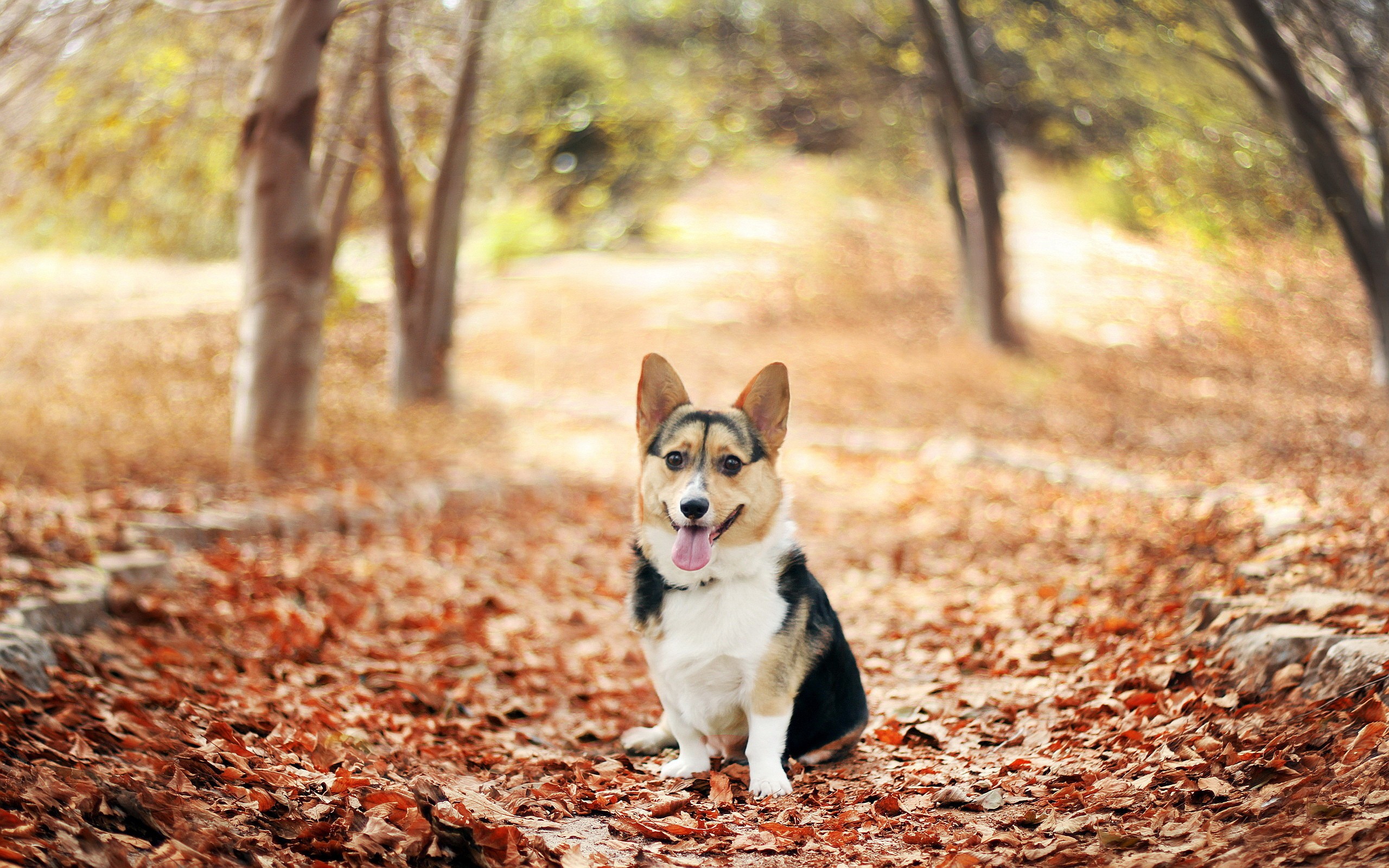
## Useful functions for ImageNet We propose a few utils function to link the index returned by the networks, and the synsets of ImageNet. #### Converting synsets to ids It can be usefull to use the ids of ImageNet (which can be found on this page , if you want to know the meaning of the classification. We have two functions : `id_to_synset` and `synset_to_id` * `id_to_synset` is taking an id of the output of the networks, and returning the WordNet synset ```python >>> id_to_synset(243) 'n03793489' ``` * `synset_to_id is doing the inverse operation #### Getting all the children of a synset If you want to detect all cars, you might need to have a classification of higher level than the one given by the wordnets of ImageNet. Indeed, a lot of different synsets are present for different kinds of cars. We can then choose a synset in the tree, and select all the ids of its children : ```python >>>synset_to_dfs_ids("n04576211") [670, 870, 880, 444, 671, 565, 705, 428, 791, 561, 757, 829, 866, 847, 547, 820, 408, 573, 575, 803, 407, 436, 468, 511, 609, 627, 656, 661, 751, 817, 665, 555, 569, 717, 864, 867, 675, 734, 656, 586, 847, 802, 660, 603, 612, 690] ``` ## Credits * For the AlexNet network, we have adapted the weights that can be found here : Taylor, Graham; Ding, Weiguang, 2015-03, "Theano-based large-scale visual recognition with multiple GPUs", hdl:10864/10911 University of Guelph Research Data Repository * For the VGG networks, we have adapted the code released by baraldilorenzo here : https://gist.github.com/baraldilorenzo/07d7802847aaad0a35d3 We changed it to have the "heatmap" option, and we modified the weights in the same way.
Owner
- Name: Alexander Fabisch
- Login: AlexanderFabisch
- Kind: user
- Location: Bremen
- Company: German Research Center for Artificial Intelligence (DFKI GmbH, @dfki), Robotics Innovation Center (@dfki-ric)
- Website: https://alexanderfabisch.github.io/
- Repositories: 62
- Profile: https://github.com/AlexanderFabisch
researcher, software developer, in robotics and machine learning