https://github.com/alixunxing/pytorch-cnn-visualizations
Pytorch implementation of convolutional neural network visualization techniques
Science Score: 10.0%
This score indicates how likely this project is to be science-related based on various indicators:
-
○CITATION.cff file
-
○codemeta.json file
-
○.zenodo.json file
-
○DOI references
-
✓Academic publication links
Links to: arxiv.org, researchgate.net -
○Academic email domains
-
○Institutional organization owner
-
○JOSS paper metadata
-
○Scientific vocabulary similarity
Low similarity (10.3%) to scientific vocabulary
Last synced: 6 months ago
·
JSON representation
Repository
Pytorch implementation of convolutional neural network visualization techniques
Basic Info
Statistics
- Stars: 0
- Watchers: 1
- Forks: 0
- Open Issues: 0
- Releases: 0
Fork of utkuozbulak/pytorch-cnn-visualizations
Created almost 6 years ago
· Last pushed about 6 years ago
https://github.com/alixunxing/pytorch-cnn-visualizations/blob/master/
# Convolutional Neural Network Visualizations

This repository contains a number of convolutional neural network visualization techniques implemented in PyTorch.

**Note**: I removed cv2 dependencies and moved the repository towards PIL. A few things might be broken (although I tested all methods), I would appreciate if you could create an issue if something does not work.

**Note**: The code in this repository was tested with torch version 0.4.1 and some of the functions may not work as intended in later versions. Although it shouldn't be too much of an effort to make it work, I have no plans at the moment to make the code in this repository compatible with the latest version because I'm still using 0.4.1.

## Implemented Techniques

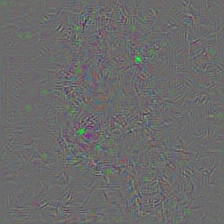
* [Gradient visualization with vanilla backpropagation](#gradient-visualization)
* [Gradient visualization with guided backpropagation](#gradient-visualization) [1]
* [Gradient visualization with saliency maps](#gradient-visualization) [4]
* [Gradient-weighted class activation mapping](#gradient-visualization) [3] (Generalization of [2])
* [Guided, gradient-weighted class activation mapping](#gradient-visualization) [3]
* [Smooth grad](#smooth-grad) [8]
* [CNN filter visualization](#convolutional-neural-network-filter-visualization) [9]
* [Inverted image representations](#inverted-image-representations) [5]
* [Deep dream](#deep-dream) [10]
* [Class specific image generation](#class-specific-image-generation) [4] [14]
* [Grad times image](#grad-times-image) [12]
* [Integrated gradients](#gradient-visualization) [13]

 I moved following **Adversarial example generation** techniques [here](https://github.com/utkuozbulak/pytorch-cnn-adversarial-attacks) to separate visualizations from adversarial stuff.

	- Fast Gradient Sign, Untargeted [11]
	- Fast Gradient Sign, Targeted [11]
	- Gradient Ascent, Adversarial Images [7]
	- Gradient Ascent, Fooling Images (Unrecognizable images predicted as classes with high confidence) [7]

## General Information

Depending on the technique, the code uses pretrained **AlexNet** or **VGG** from the model zoo. Some of the code also assumes that the layers in the model are separated into two sections; **features**, which contains the convolutional layers and **classifier**, that contains the fully connected layer (after flatting out convolutions). If you want to port this code to use it on your model that does not have such separation, you just need to do some editing on parts where it calls *model.features* and *model.classifier*.

Every technique has its own python file (e.g. *gradcam.py*) which I hope will make things easier to understand. *misc_functions.py* contains functions like image processing and image recreation which is shared by the implemented techniques.

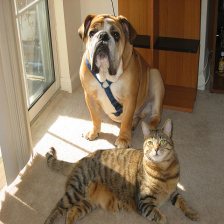
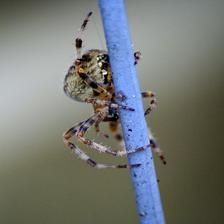
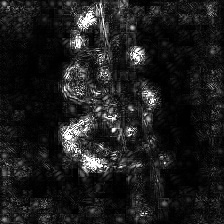
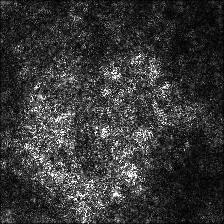
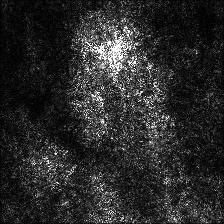
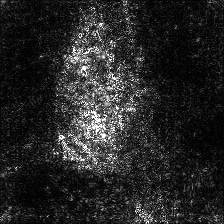
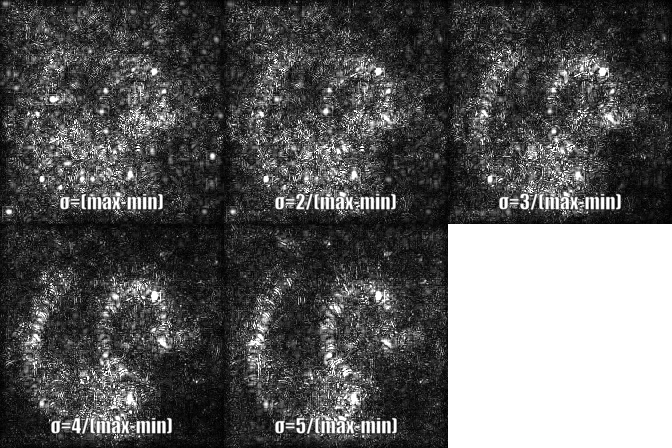
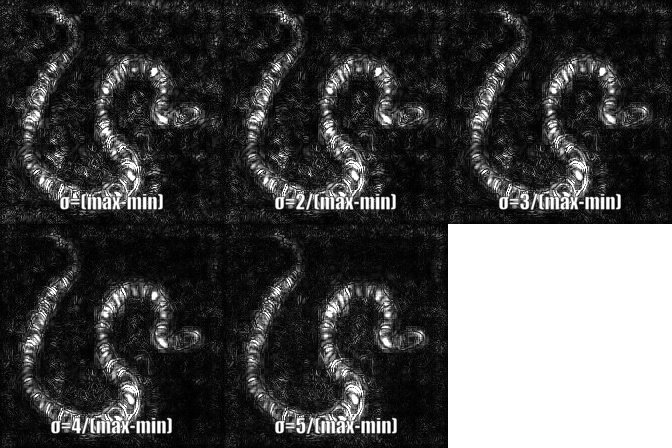
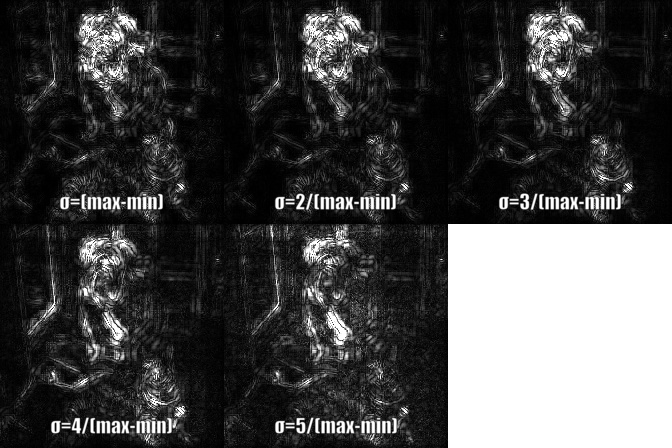
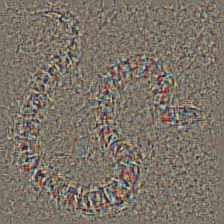
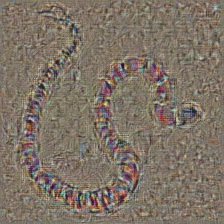
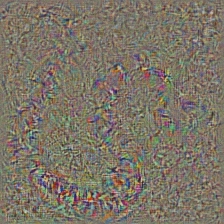
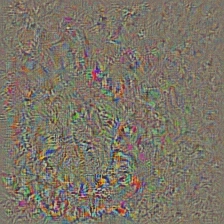
All images are pre-processed with mean and std of the ImageNet dataset before being fed to the model. None of the code uses GPU as these operations are quite fast for a single image (except for deep dream because of the example image that is used for it is huge). You can make use of gpu with very little effort. The example pictures below include numbers in the brackets after the description, like *Mastiff (243)*, this number represents the class id in the ImageNet dataset.

I tried to comment on the code as much as possible, if you have any issues understanding it or porting it, don't hesitate to send an email or create an issue.

Below, are some sample results for each operation.

## Citation

If you find the code in this repository useful for your research consider citing it.

	@misc{uozbulak_pytorch_vis_2019,
	  author = {Utku Ozbulak},
	  title = {PyTorch CNN Visualizations},
	  year = {2019},
	  publisher = {GitHub},
	  journal = {GitHub repository},
	  howpublished = {\url{https://github.com/utkuozbulak/pytorch-cnn-visualizations}},
	  commit = {3460e7f014f52f4099c1a4864e1534de9cc901e7}
	}


## Gradient Visualization
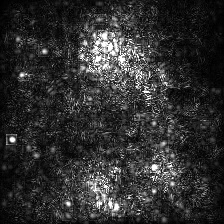
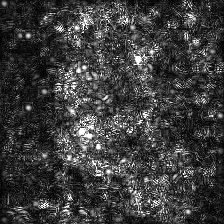
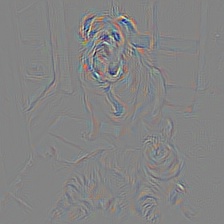
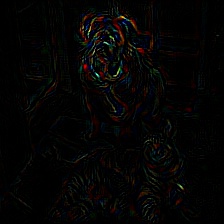
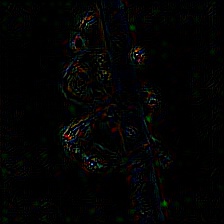
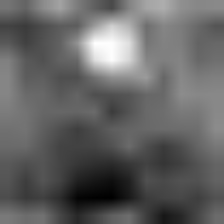
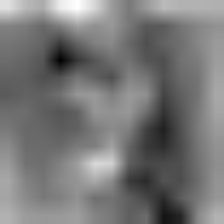
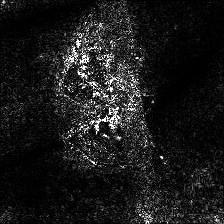
| Target class: King Snake (56) | Target class: Mastiff (243) | Target class: Spider (72) | |
| Original Image |  |
 |
 |
| Colored Vanilla Backpropagation | 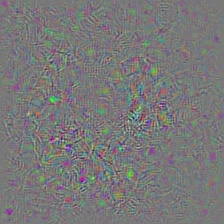 |
 |
 |
Vanilla Backpropagation Saliency | 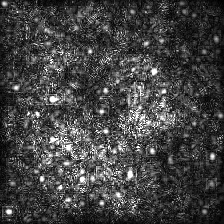 |
 |
 |
| Colored Guided Backpropagation (GB) |
 |
 |
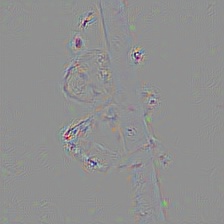 |
| Guided Backpropagation Saliency (GB) |
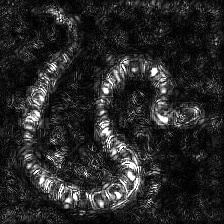 |
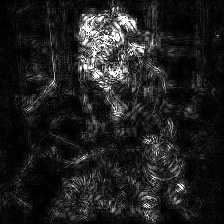 |
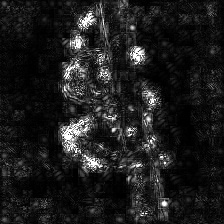 |
| Guided Backpropagation Negative Saliency (GB) |
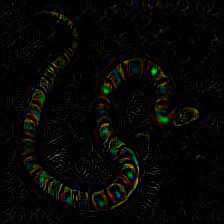 |
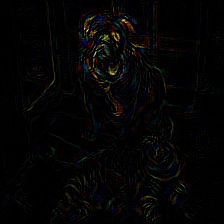 |
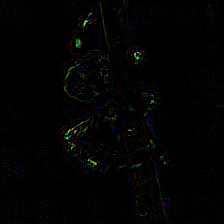 |
| Guided Backpropagation Positive Saliency (GB) |
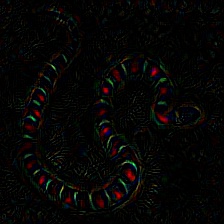 |
 |
 |
| Gradient-weighted Class Activation Map (Grad-CAM) |
 |
 |
 |
| Gradient-weighted Class Activation Heatmap (Grad-CAM) |
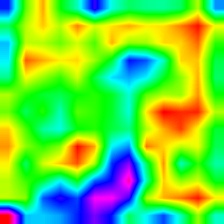 |
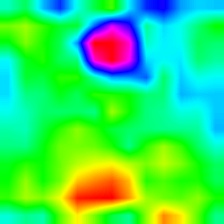 |
 |
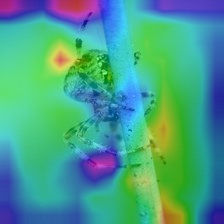
| Gradient-weighted Class Activation Heatmap on Image (Grad-CAM) |
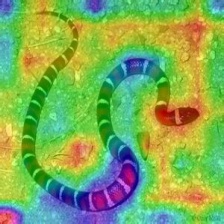 |
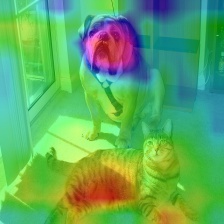 |
 |
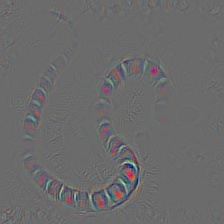
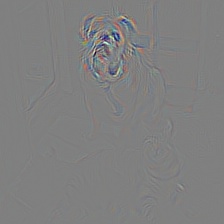
| Colored Guided Gradient-weighted Class Activation Map (Guided-Grad-CAM) |
 |
 |
 |
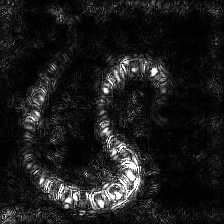
| Guided Gradient-weighted Class Activation Map Saliency (Guided-Grad-CAM) |
 |
 |
 |
| Integrated Gradients (without image multiplication) |
 |
 |
 |
| Vanilla Grad X Image |
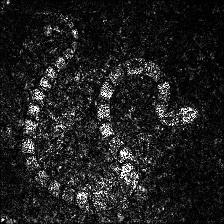 |
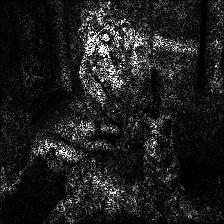 |
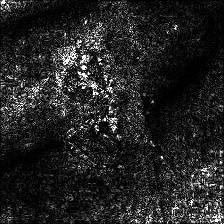 |
| Guided Grad X Image |
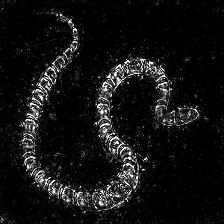 |
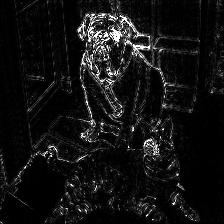 |
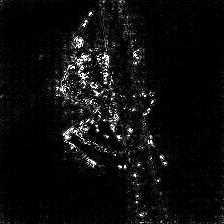 |
| Integrated Grad X Image |
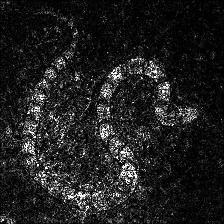 |
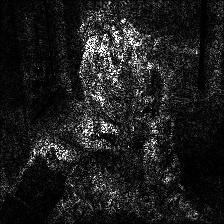 |
 |
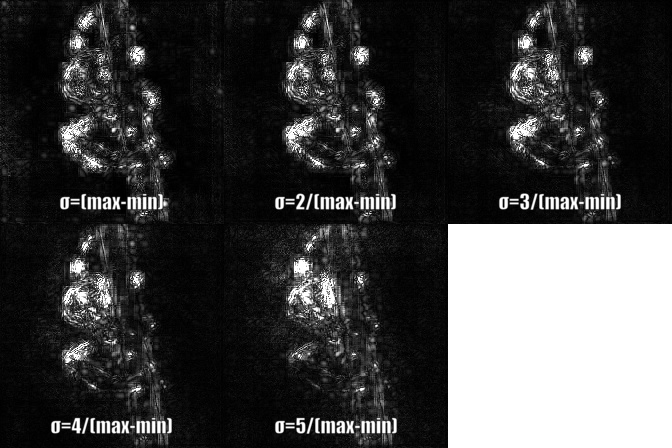
| Vanilla Backprop | ||
 |
 |
 |
| Guided Backprop | ||
 |
 |
 |
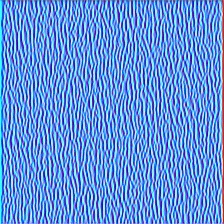
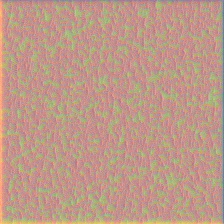
| Layer 2 (Conv 1-2) |
 |
 |
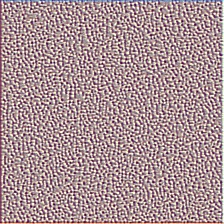 |
| Layer 10 (Conv 2-1) |
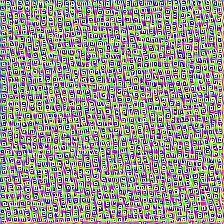 |
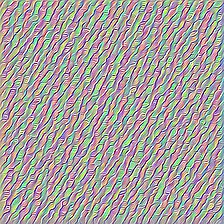 |
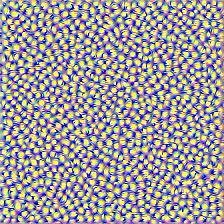 |
| Layer 17 (Conv 3-1) |
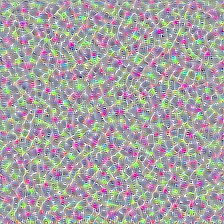 |
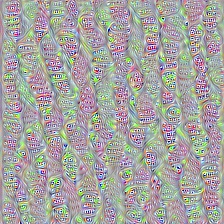 |
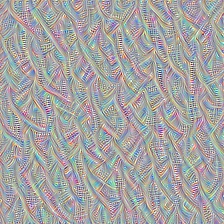 |
| Layer 24 (Conv 4-1) |
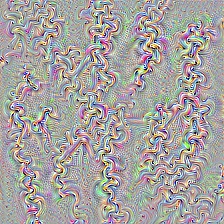 |
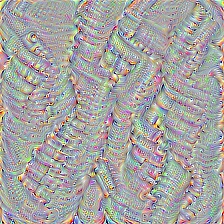 |
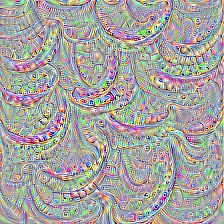 |
| Input Image | Layer Vis. (Filter=0) | Filter Vis. (Layer=29) |
| |
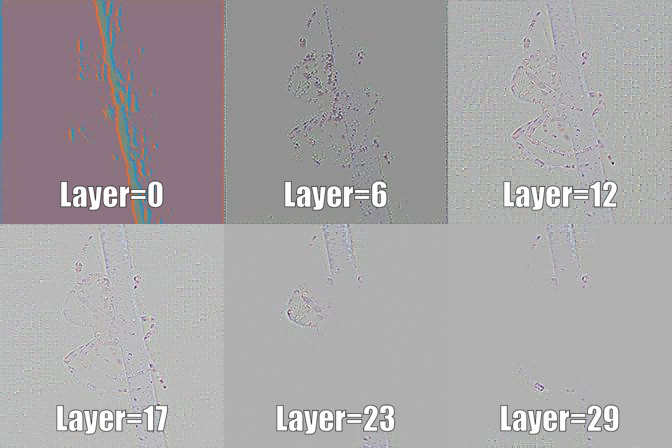 |
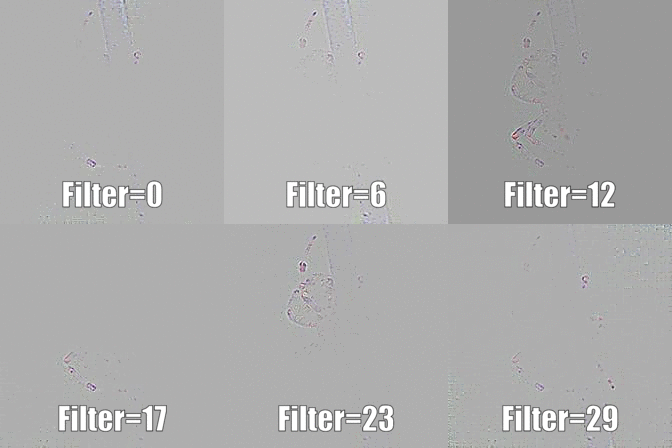 |
| Layer 0: Conv2d | Layer 2: MaxPool2d | Layer 4: ReLU |
 |
 |
 |
| Layer 7: ReLU | Layer 9: ReLU | Layer 12: MaxPool2d |
 |
 |
 |
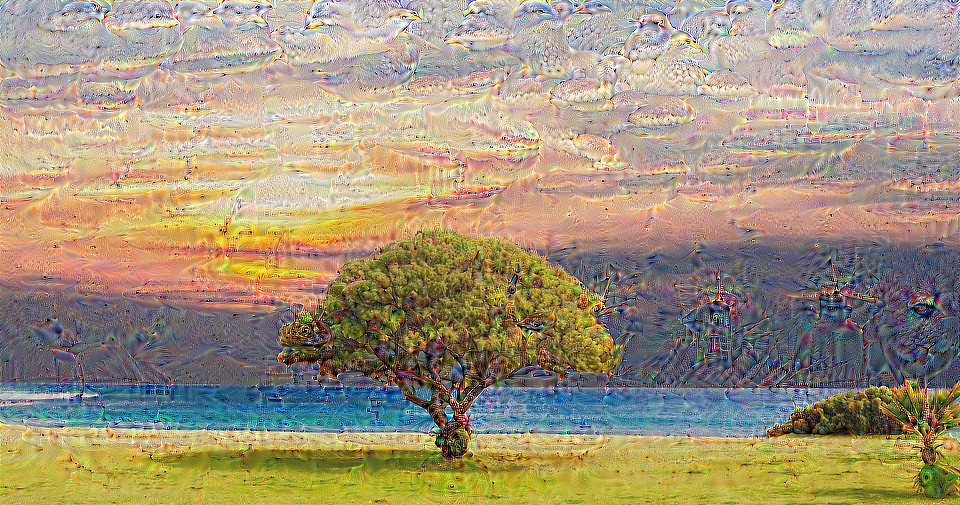
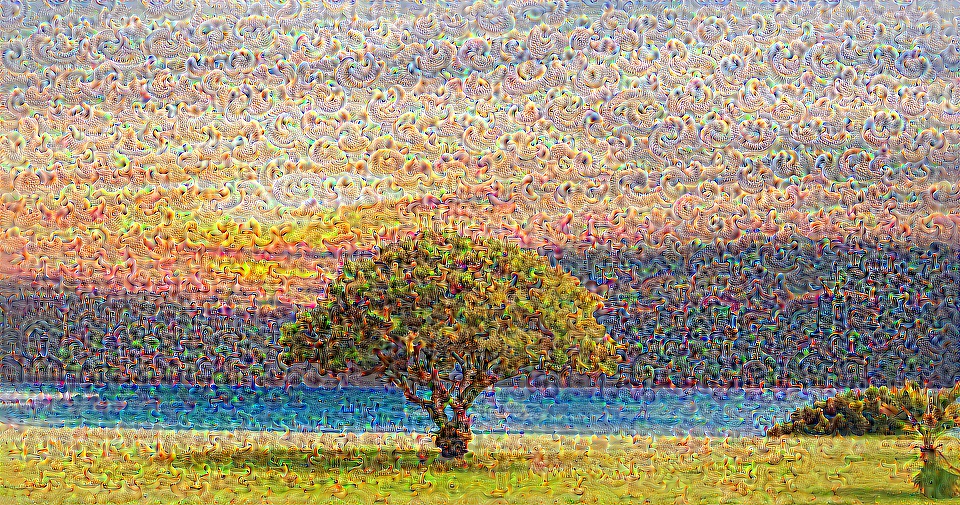
| Original Image |  |
| VGG19 Layer: 34 (Final Conv. Layer) Filter: 94 |
 |
| VGG19 Layer: 34 (Final Conv. Layer) Filter: 103 |
 |
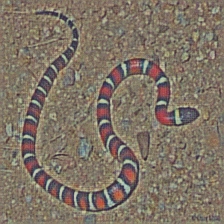
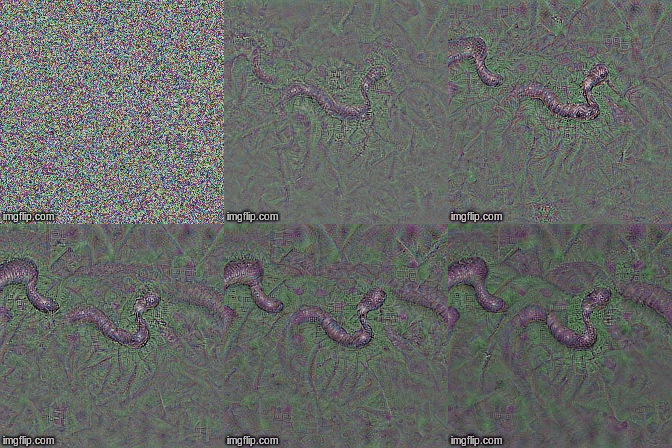
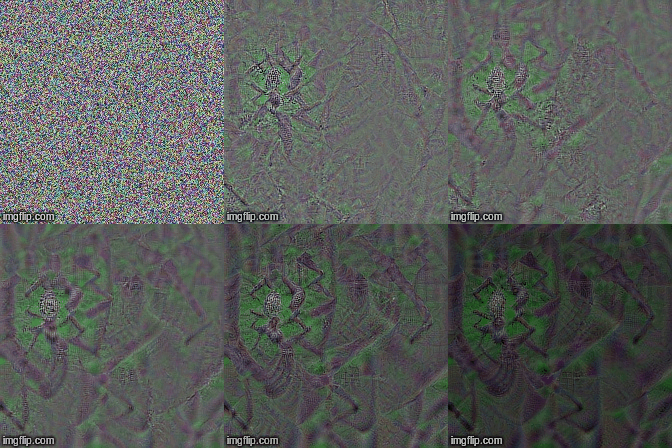
| Target class: Worm Snake (52) - (VGG19) | Target class: Spider (72) - (VGG19) |
 |
 |
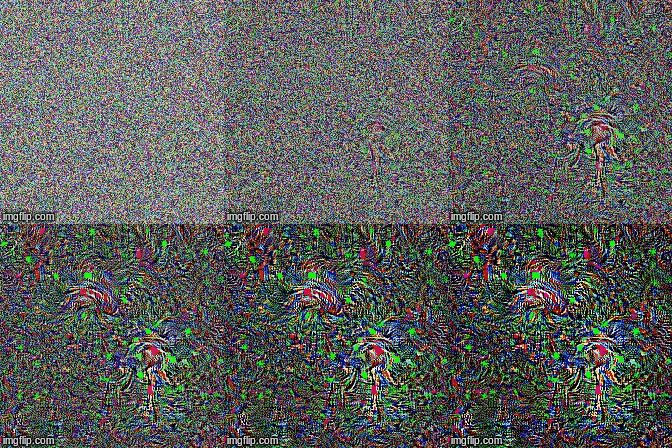
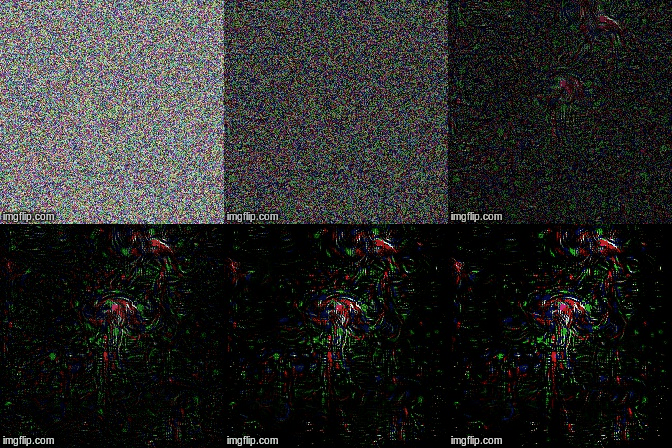
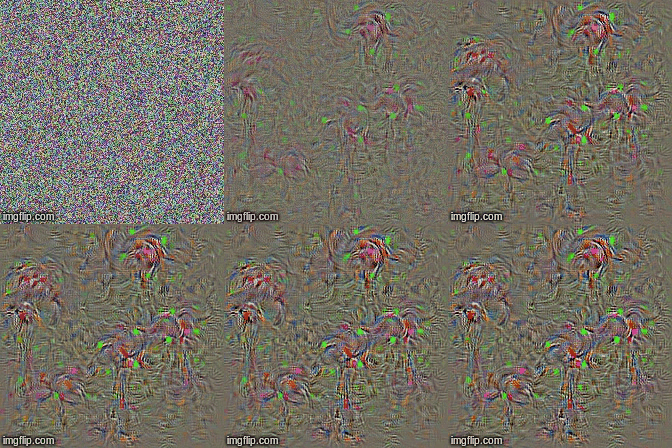
| No Regularization | L1 Regularization | L2 Regularization |
 |
 |
 |
Owner
- Login: alixunxing
- Kind: user
- Repositories: 18
- Profile: https://github.com/alixunxing