sonicthehedgehog2-tensorflow2
Tensorflow 2.0 code for training the SonicTheHedgehog2 with human expert data
Science Score: 44.0%
This score indicates how likely this project is to be science-related based on various indicators:
-
✓CITATION.cff file
Found CITATION.cff file -
✓codemeta.json file
Found codemeta.json file -
✓.zenodo.json file
Found .zenodo.json file -
○DOI references
-
○Academic publication links
-
○Academic email domains
-
○Institutional organization owner
-
○JOSS paper metadata
-
○Scientific vocabulary similarity
Low similarity (7.1%) to scientific vocabulary
Repository
Tensorflow 2.0 code for training the SonicTheHedgehog2 with human expert data
Basic Info
- Host: GitHub
- Owner: kimbring2
- Language: Jupyter Notebook
- Default Branch: main
- Size: 1.58 MB
Statistics
- Stars: 4
- Watchers: 1
- Forks: 0
- Open Issues: 1
- Releases: 0
Metadata Files
README.md
SonicTheHedgehog2-Tensorflow2
This repository is for the Tensorflow 2 code for training the SonicTheHedgehog2 with human expert data.
Please visit the Medium post to see the detatiled instucrtions about this poject. - Playing Sonic The Hedgehog 2 using Deep LearningPart 1
How to find the Sonic2 ROM
Originally, you can install the Sonic 2 environment by buying the game from the Steam and follow the installation tutorial of Chang-Chia-Chi.
However, the steam stop to sell the Sonic2 game alone. Instead, they are selling the bunder pack of all Sega game from Sega Mega Drive & Genesis Classics on Steam. I assume that Sonic2 Rom file also is included inside of it, but not sure.
Anyway, you need to import the found ROM file from below Python command.
python3 -m retro.import /path/to/your/ROMs/directory/
Sorry for not uploading the ROM file on this repo.
Python Dependencies
- gym 0.14.0
- tensorflow-gpu 2.4.1
- tensorflow-probability 0.11.0
- pygame 1.9.6
- gym-retro 0.8.0
Reference
- Gym Retro: https://github.com/openai/retro
- Retro-movies: https://github.com/openai/retro-movies
- Sonic-the-Hedgehog-A3C-LSTM-tensorflow2: https://github.com/Chang-Chia-Chi/Sonic-the-Hedgehog-A3C-LSTM-tensorflow2
Human Expert Data
You can download the dataset from my Google Drive. It consists of total 1800 data for 100 number per each Act.
| Act Name | Sample Video |
| ------------- | ------------- |
| EmeraldHillZone.Act1 |  |
| EmeraldHillZone.Act2 |
|
| EmeraldHillZone.Act2 |  |
| ChemicalPlantZone.Act1 |
|
| ChemicalPlantZone.Act1 |  |
| ChemicalPlantZone.Act2 |
|
| ChemicalPlantZone.Act2 |  |
| MetropolisZone.Act1 |
|
| MetropolisZone.Act1 | 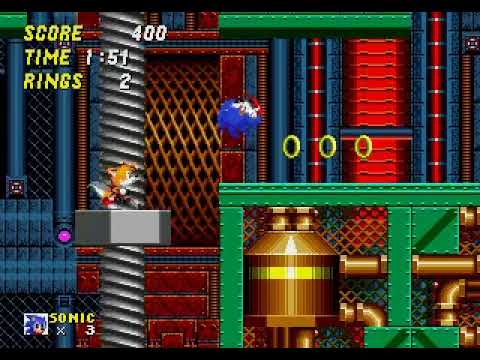 |
| MetropolisZone.Act2 |
|
| MetropolisZone.Act2 | 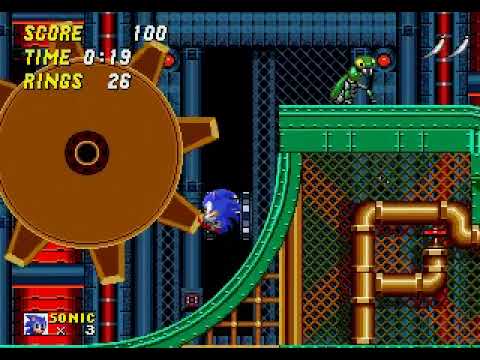 |
| MetropolisZone.Act3 |
|
| MetropolisZone.Act3 |  |
| OilOceanZone.Act1 |
|
| OilOceanZone.Act1 |  |
| OilOceanZone.Act2 |
|
| OilOceanZone.Act2 |  |
| MysticCaveZone.Act1 |
|
| MysticCaveZone.Act1 |  |
| MysticCaveZone.Act2 |
|
| MysticCaveZone.Act2 |  |
| HillTopZone.Act1 |
|
| HillTopZone.Act1 |  |
| HillTopZone.Act2 |
|
| HillTopZone.Act2 |  |
| CasinoNightZone.Act1 |
|
| CasinoNightZone.Act1 |  |
| CasinoNightZone.Act2 |
|
| CasinoNightZone.Act2 |  |
| WingFortressZone.Act1 |
|
| WingFortressZone.Act1 |  |
| AquaticRuinZone.Act1 |
|
| AquaticRuinZone.Act1 |  |
| AquaticRuinZone.Act2 |
|
| AquaticRuinZone.Act2 | 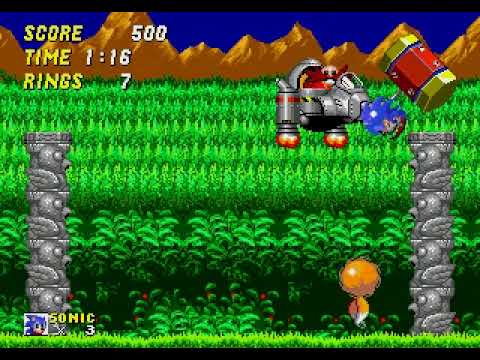 |
|
How to run code
Please train the agent by Supervised Learning first and evaluate the performance of model. The agent should do a spin dash action properly. If it looks fine, train the model further by Reinforcement Learning.
Running a Supervised Learning
You can use the below command for training your Agent by Supervised Learning. It will save a weight of model to the model folder of the workspace path.
``` $ python runsupervisedlearning.py --workspacepath [folder path] --gpuuse [True, Fasle] --replaypath [folder path] --levelname [level name] --useactionhistory [True, False]
$ python3.7 runsupervisedlearning.py --workspacepath /home/kimbring2/Sonic-the-Hedgehog-A3C-LSTM-tensorflow2 --replaypath /media/kimbring2/be356a87-def6-4be8-bad2-077951f0f3da/retro-movies/human/SonicTheHedgehog2-Genesis/contest --levelname SonicTheHedgehog2-Genesis-EmeraldHillZone.Act2 --useaction_history True ```
You can the training progress by watching the Tensorboard log of the tensorboard folder of the workspace path.
.png)
Running a Evaluation
After finishing the Supervised Learning, try to test a performance of a trained model.
``` $ python runevaluation.py --workspacepath [folder path] --useactionhistory [True, False] --modelname [file name] --gpuuse [True, Fasle] --level_name [level name]
$ python3.7 runevaluation.py --workspacepath /home/kimbring2/Sonic-the-Hedgehog-A3C-LSTM-tensorflow2 --useactionhistory True --modelname supervisedmodel1900 --gpuuse True --level_name SonicTheHedgehog2-Genesis-EmeraldHillZone.Act2 ```
Pretrained Model
Without action history
Using action history
Running a Reinforcement Learning
Because of long game play time, normal A2C method can not be used because it should use whole episode once. Therefore, off-policy A2C such as IMPALA is needed. It can restore trajectory data from buffer for training like a DQN.
You can run the IMPALA with Supervised model for the Sonic environment by below command.
$ ./run_reinforcement_learning.sh [number of envs] [gpu use] [pretrained model]
You can ignore below error of learner.py part. It does not effect the training process.
``` Traceback (most recent call last): File "C:/minerl/learner.py", line 392, in coord.join(threaddata) File "C:\Users\sund0\anaconda3\envs\minerlenv\lib\site-packages\tensorflow\python\training\coordinator.py", line 357, in join threads = self.registeredthreads.union(set(threads))
where line 391 and 392 is for threaddata in threaddatalist: coord.join(threaddata) ```
Owner
- Name: Dohyeong Kim
- Login: kimbring2
- Kind: user
- Location: South Korea
- Company: kimbring2
- Website: https://www.linkedin.com/in/dohyeong-kim-1389b0103/
- Repositories: 33
- Profile: https://github.com/kimbring2
The researcher who is interested in creating agents that behave like humans using the Deep Learning.
Citation (CITATION.cff)
cff-version: 1.2.0
message: "If you use this software, please cite it as below."
authors:
- family-names: "Kim"
  given-names: "Dohyeong"
  orcid: "https://orcid.org/0000-0003-1284-9223"
title: "SonicTheHedgehog2-Tensorflow2"
date-released: 2022-03-01
url: "https://github.com/kimbring2/SonicTheHedgehog2-Tensorflow2"
GitHub Events
Total
- Issues event: 1
- Watch event: 1
Last Year
- Issues event: 1
- Watch event: 1