https://github.com/cedrickchee/kaggle-facial-detection
Facial keypoints detection challenge tutorial and solution for Singapore Kaggle ML Challenge meetup.
Science Score: 13.0%
This score indicates how likely this project is to be science-related based on various indicators:
-
○CITATION.cff file
-
✓codemeta.json file
Found codemeta.json file -
○.zenodo.json file
-
○DOI references
-
○Academic publication links
-
○Committers with academic emails
-
○Institutional organization owner
-
○JOSS paper metadata
-
○Scientific vocabulary similarity
Low similarity (9.1%) to scientific vocabulary
Keywords
Repository
Facial keypoints detection challenge tutorial and solution for Singapore Kaggle ML Challenge meetup.
Basic Info
- Host: GitHub
- Owner: cedrickchee
- License: mit
- Language: Jupyter Notebook
- Default Branch: master
- Size: 1 MB
Statistics
- Stars: 3
- Watchers: 2
- Forks: 0
- Open Issues: 0
- Releases: 0
Topics
Metadata Files
README.md
Kaggle Facial Keypoints Detection Challenge
Introduction
Singapore Kaggle Machine Learning Challenge Meetup Group
The Singapore (SG) Kaggle Machine Learning (ML) Challenge Meetup group organized the first Kaggle meetup in Singapore on Jan 9 2018.
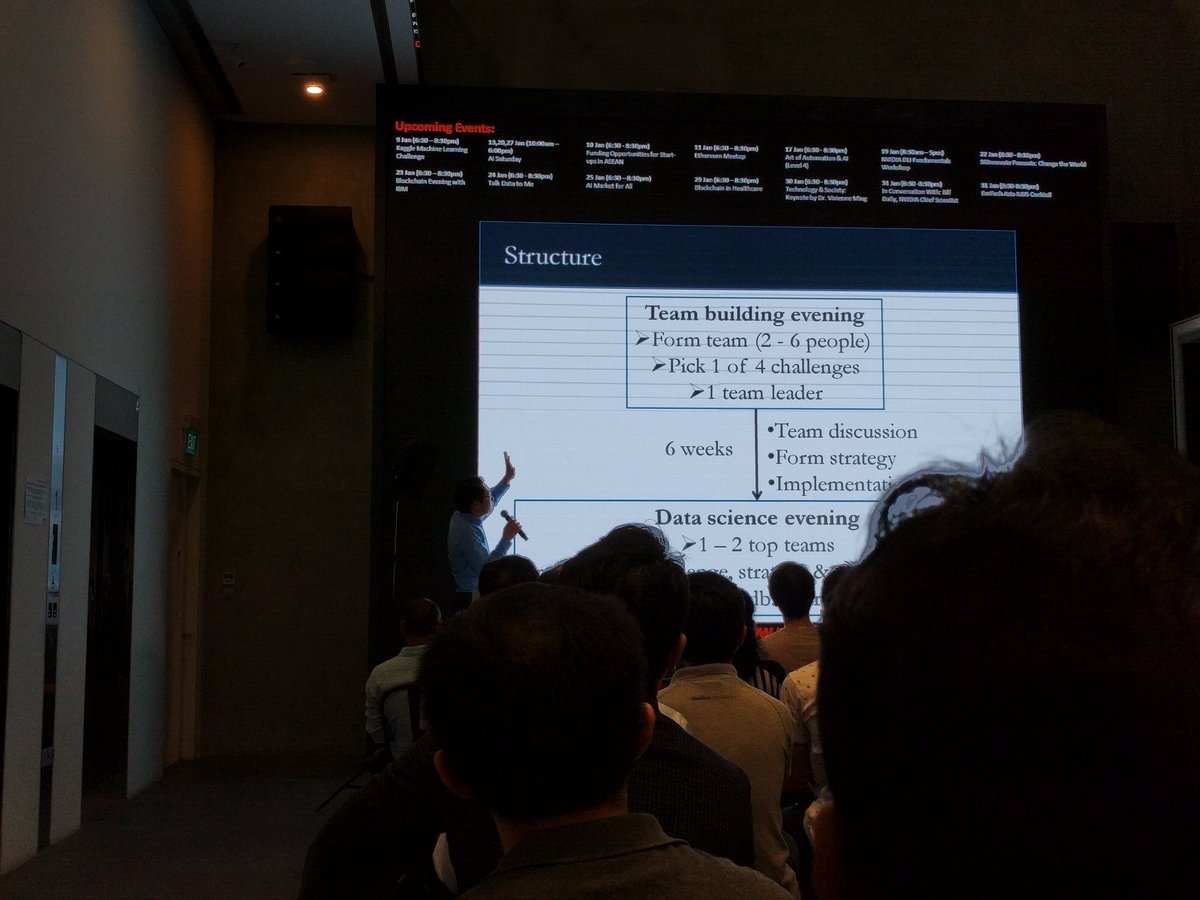
In this meeting, attendees formed teams with like-minded data scientists on Kaggle challenges of interest. In the following six weeks, the team will discuss the challenge, form a strategy and implement it. The outcome would then be presented to the audience at the Data Science Evening (our second meeting).
The first meetup is off to a great start.
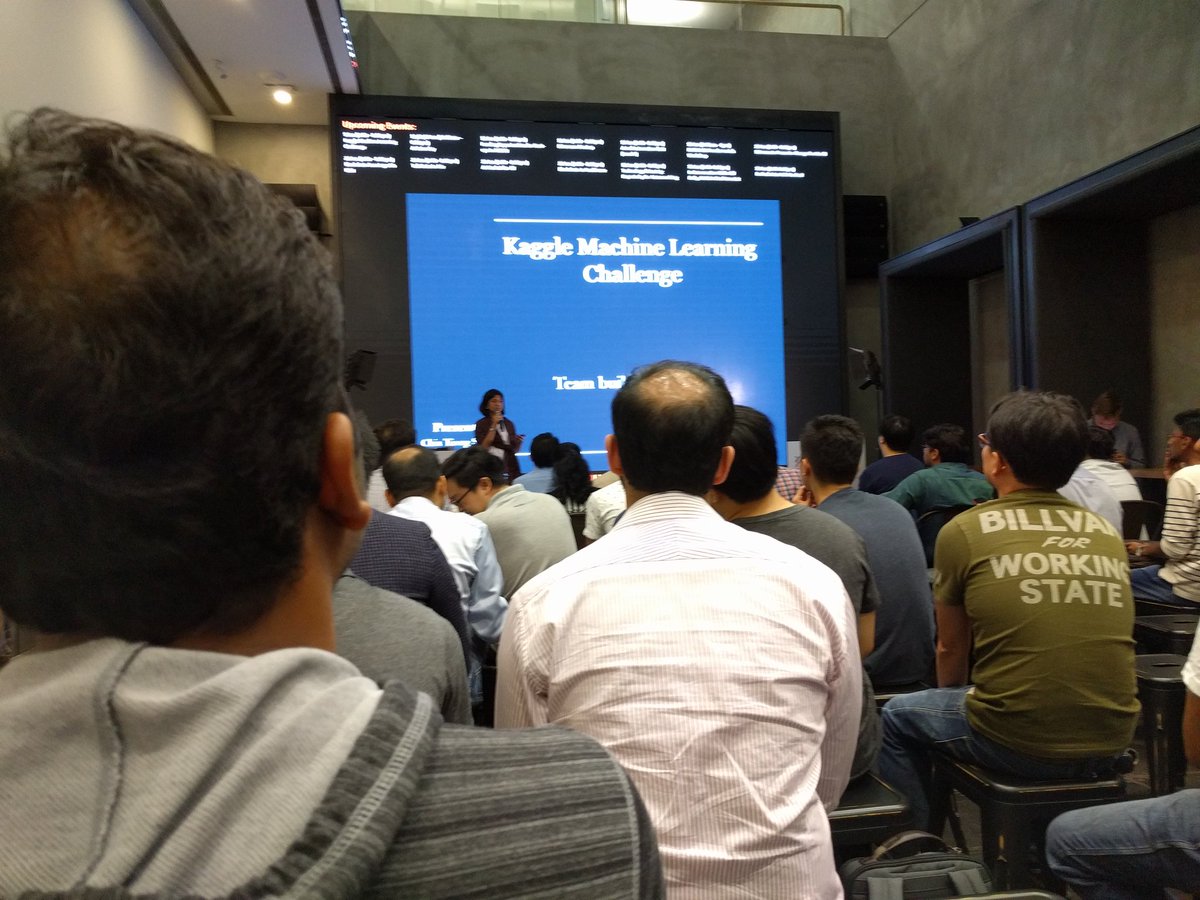
Here's some photos from the first event:
|
-------------- | ------------------
 |
|  |
|
 |
| 
Updates: - 2018-06-26: - SG Kaggle ML Group disbanded. - 2018-11-12: - Fix broken link to the group's Meetup.com page. - Add photos from the first event.
Our Team
We are Team 12 (BestFitting). Our team consists of: - Puay Ni Yi (leader) - Teh Guo Pei - Cedric Chee
We are tackling the facial keypoints detection as our first Kaggle challenge.
Project
This is a 6-weeks project.
Plan
We will use this repo as the central location to host all the tutorials and solutions for the challenge.
The Challenge
Facial Keypoints Detection is a challenge focused on Computer Vision field. The techniques to solve this challenge is usually from Deep Learning and Convolutional Neural Networks (CNN).
Overview
The objective of this task is to detect and predict keypoint positions (locations) on face images. To learn more, take a look here.
Tutorial
Deep Learning Tutorial
We are basing our tutorial from Daniel Nouri's blog post.
As we are planning to use TensorFlow for implementing our solution, we will follow this tutorial by Alex Staravoitau. Alex's tutorial was based on the amazing tutorial by Daniel Nouri.
Dependencies/Libraries used: - nolearn, a scikit-learn wrapper for Lasagne. - Theano - scikit-learn - TensorFlow - matplotlib - pandas - jupyter - numpy
Installation and Setup
- Step 1 - install all dependencies:
bash
$ git clone https://github.com/cedrickchee/kaggle-facial-detection.git
$ cd kaggle-facial-detection
$ pip install -r requirements.txt
Problems/issues encountered:
- Theano
- Error
ValueError: You are tring to use the old GPU back-end. It was removed from Theano. Use device=cuda* now .... Solution on how to converting to the new gpu back end(gpuarray).- Either set the environment variable,
THEANO_FLAGS='device=cuda'or - edit Theano config file,
~/.theanorcbash [global] device = cuda
- Either set the environment variable,
- Error
(theano.gpuarray): pygpu was configured but could not be imported or is too old (version 0.7 or higher required). To resolve this problem, installlibgpuarrayPython library.- In the middle of this process, at the step when you install
pygpuby running this command, you will encounter new errorModuleNotFoundError: No module named 'Cython'. Work around this by installing Cython with this command:pip install Cythonbash $ python setup.py build
- In the middle of this process, at the step when you install
- Error
ImportError: libgpuarray.so.3: cannot open shared object file: No such file or directorywhen you try toimport pygpu. GitHub thread discussing this problem. How to fix shared object file error. Append/usr/local/libpath toLD_LIBRARY_PATHin.bashrcbash LD_LIBRARY_PATH=/usr/local/lib/:$LD_LIBRARY_PATH
- Error
nolearn, a sckit-learn wrapper for Lasagne
- Error
ImportError: cannot import name 'downsample'when trying toimport lasagne. This can be solved this way. The cause of the problem. ```bash $ pip install --upgrade https://github.com/Lasagne/Lasagne/archive/master.zip
```
- Error
Solution
Jupyter Notebook with Cedric's attempts to tackle the competition is in the notebooks folder.
- First model: a single hidden layer
- A very simple neural network (NN).
- Second model: convolutions
- Convolutional neural network (CNN) with data augmentation, learning rate decay and dropout.
- Third model: training specialists
- A pipeline of specialist CNNs with early stopping and supervised pre-training.
- Fourth model:
- ResNet-50 architecture and large scale training with methods from cutting-edge research such as 1cycle policy, super convergence, weight decay, batch normalization, dropout and data transformation.
Results
Ranking on Leaderboard among 175 teams.
| Team Member | Private Score | Public Score | Best Model | | ------------- | -------------------- | -------------------- | ---------- | | Cedric | 1.96686 (26th place) | 2.15043 (16th place) | #3 |
We think that there is a lot of room for improving our leaderboard score as we are still trying out new ideas and developing new techniques from it for our fourth and final model.
Owner
- Name: Cedric Chee
- Login: cedrickchee
- Kind: user
- Location: PID 1
- Company: InvictusByte
- Website: https://cedricchee.com
- Twitter: cedric_chee
- Repositories: 227
- Profile: https://github.com/cedrickchee
Lead Software Engineer | LLMs | full stack Go/JS dev, backend | product dev @ startups | 🧑🎓 CompSci | alumni: fast.ai, Antler.co
GitHub Events
Total
Last Year
Committers
Last synced: about 1 year ago
Top Committers
| Name | Commits | |
|---|---|---|
| cedrickchee | c****e@g****m | 19 |
Issues and Pull Requests
Last synced: about 1 year ago
All Time
- Total issues: 0
- Total pull requests: 0
- Average time to close issues: N/A
- Average time to close pull requests: N/A
- Total issue authors: 0
- Total pull request authors: 0
- Average comments per issue: 0
- Average comments per pull request: 0
- Merged pull requests: 0
- Bot issues: 0
- Bot pull requests: 0
Past Year
- Issues: 0
- Pull requests: 0
- Average time to close issues: N/A
- Average time to close pull requests: N/A
- Issue authors: 0
- Pull request authors: 0
- Average comments per issue: 0
- Average comments per pull request: 0
- Merged pull requests: 0
- Bot issues: 0
- Bot pull requests: 0
Top Authors
Issue Authors
Pull Request Authors
Top Labels
Issue Labels
Pull Request Labels
Dependencies
- jupyter ==1.0.0
- kaggle-cli *
- matplotlib ==2.1.2
- nolearn ==0.6.0
- numpy ==1.14.0
- pandas ==0.22.0
- scikit-learn ==0.19.1
- tensorflow-gpu ==1.5.0