tongji-undergrad-thesis
:page_facing_up: 同济大学本科生毕业设计论文模板 | Tongji University Undergraduate Thesis Template | Overleaf / Mac / Linux / Windows / Workshop / Docker
Science Score: 54.0%
This score indicates how likely this project is to be science-related based on various indicators:
-
✓CITATION.cff file
Found CITATION.cff file -
✓codemeta.json file
Found codemeta.json file -
✓.zenodo.json file
Found .zenodo.json file -
○DOI references
-
○Academic publication links
-
✓Committers with academic emails
1 of 6 committers (16.7%) from academic institutions -
○Institutional organization owner
-
○JOSS paper metadata
-
○Scientific vocabulary similarity
Low similarity (12.6%) to scientific vocabulary
Keywords
Repository
:page_facing_up: 同济大学本科生毕业设计论文模板 | Tongji University Undergraduate Thesis Template | Overleaf / Mac / Linux / Windows / Workshop / Docker
Basic Info
- Host: GitHub
- Owner: TJ-CSCCG
- License: lppl-1.3c
- Language: TeX
- Default Branch: master
- Homepage: https://tj-csccg.github.io/tongji-undergrad-thesis/
- Size: 49.4 MB
Statistics
- Stars: 272
- Watchers: 3
- Forks: 29
- Open Issues: 4
- Releases: 3
Topics
Metadata Files
README-EN.md
:pagefacingup: Tongji University Undergraduate Thesis Template (STEM)
English | 中文
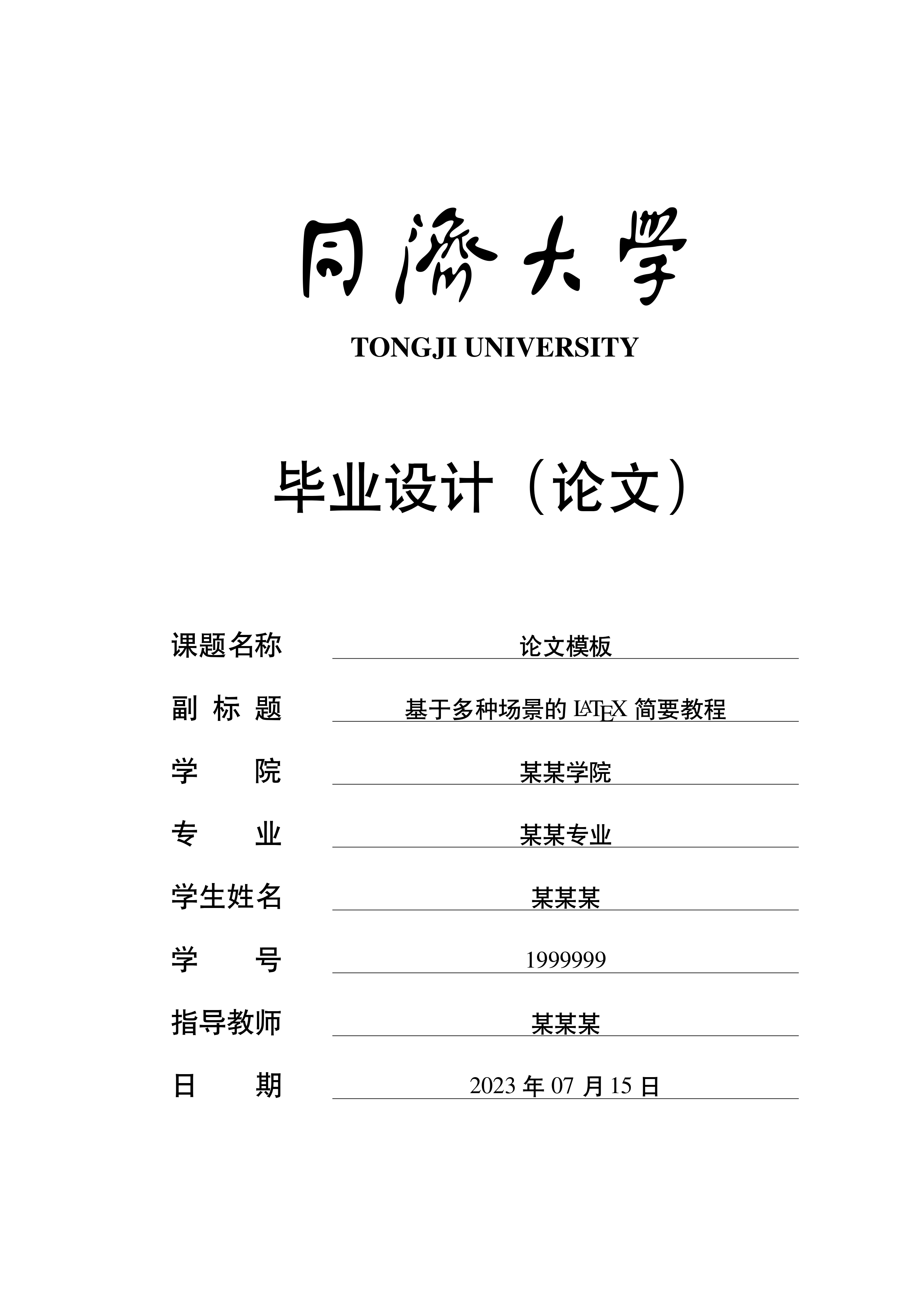
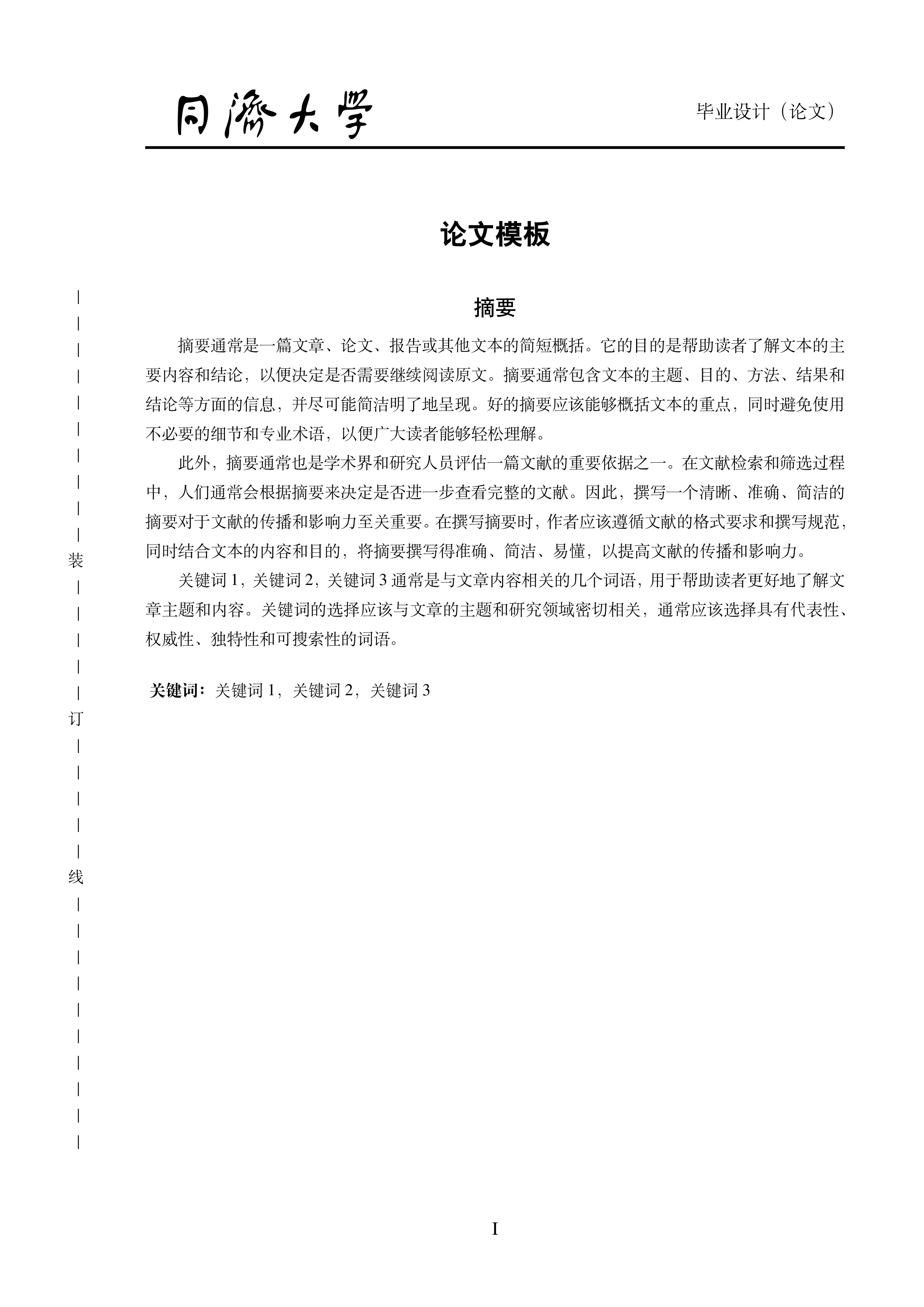
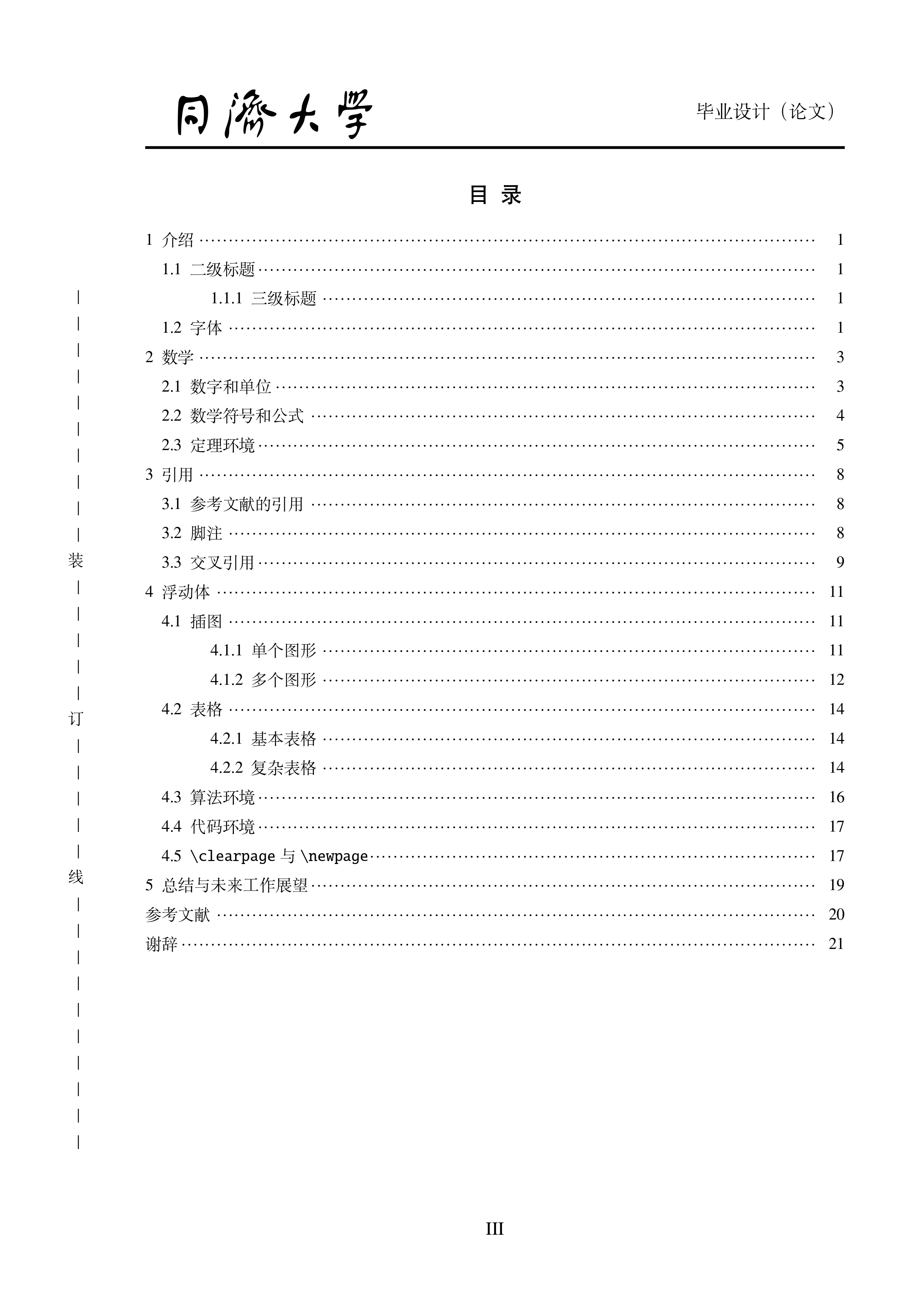
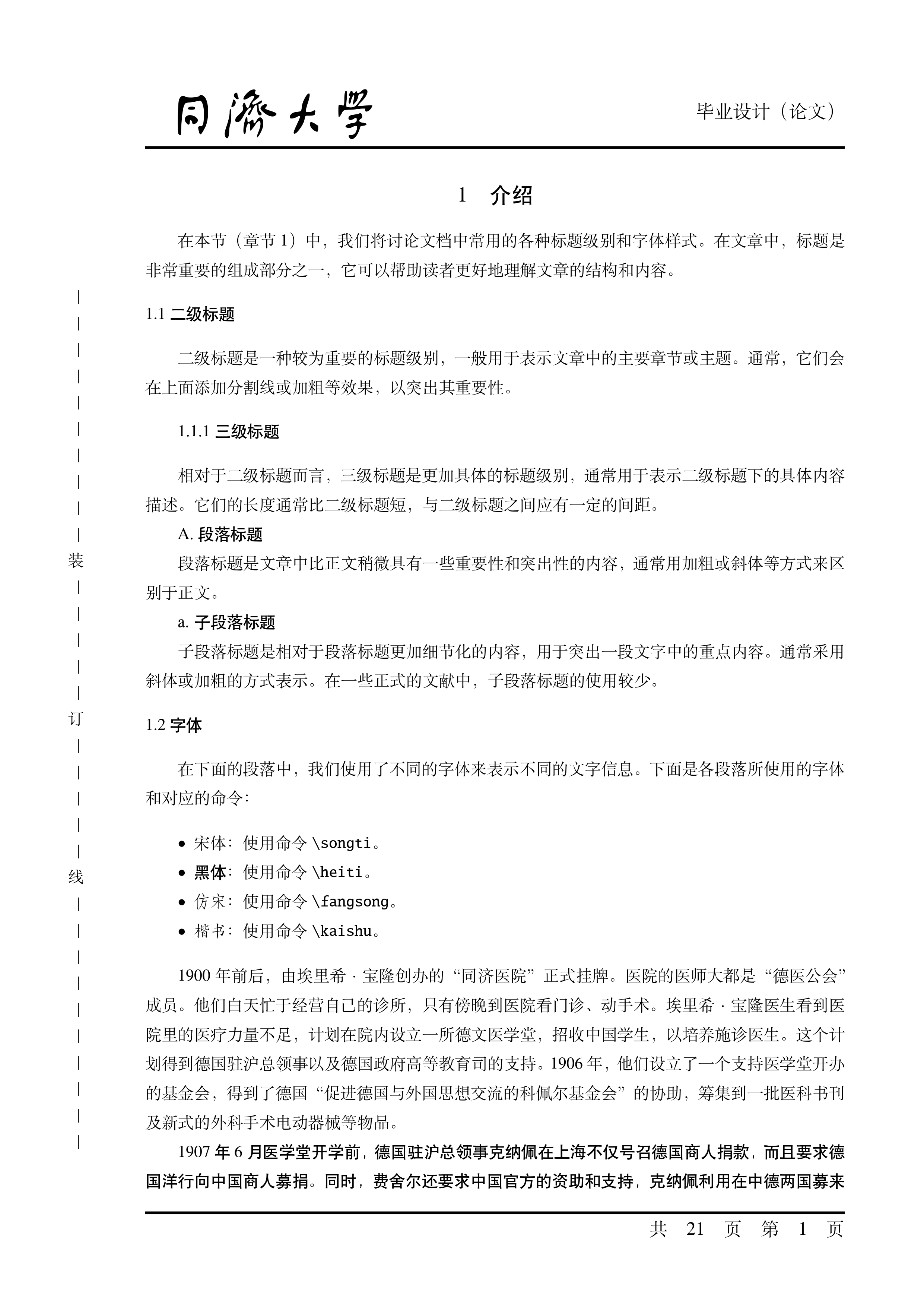
Sample Display
[!NOTE] A complete sample can be found in Template Output Sample Display (Full Version), in the pdf download link under "Assets" in the Release page or Overleaf Template PDF.
The following displays the "Cover", "Abstract in Chinese", "Table of Contents", "Main Content", "References" and "Acknowledgements" in order.
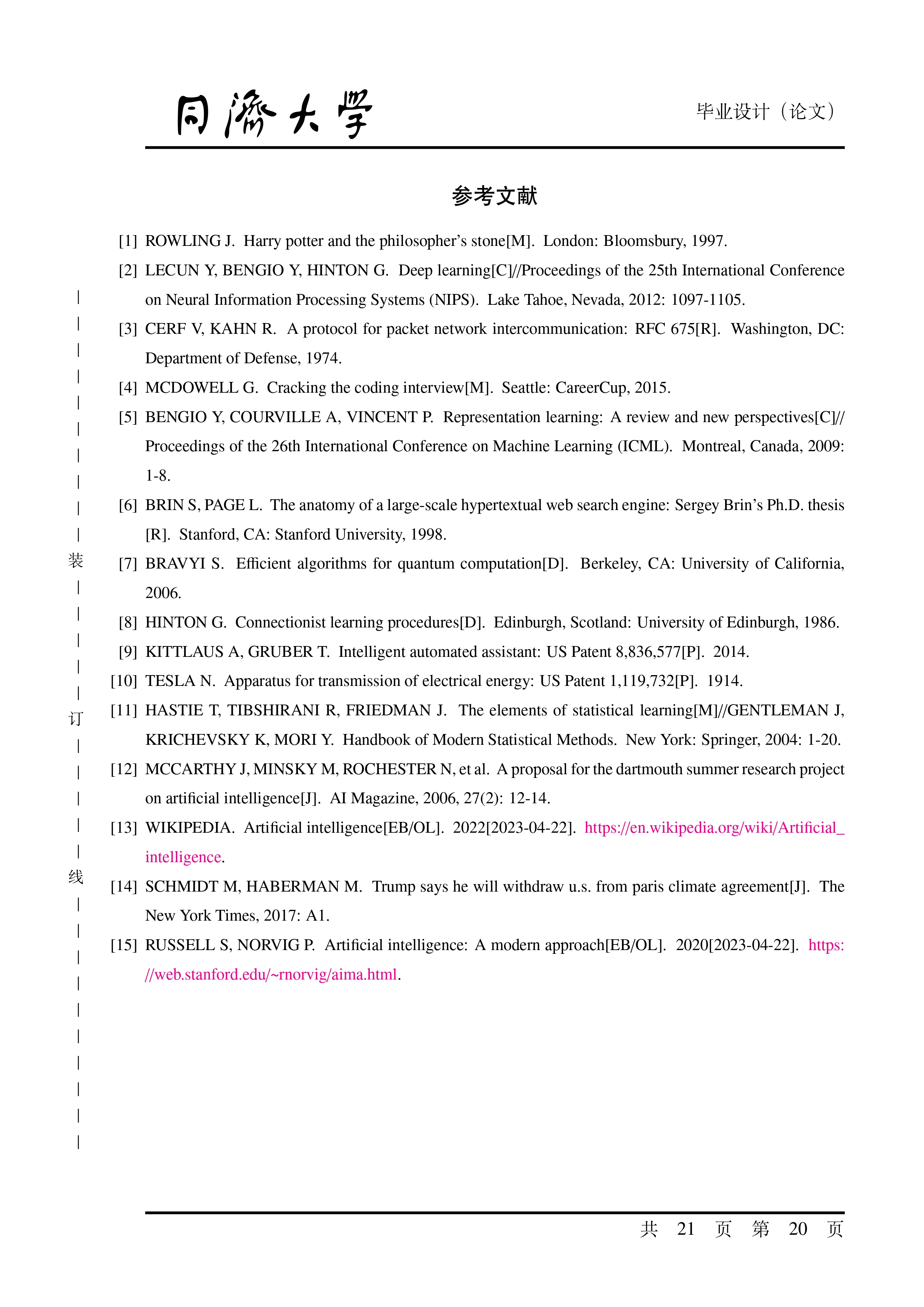
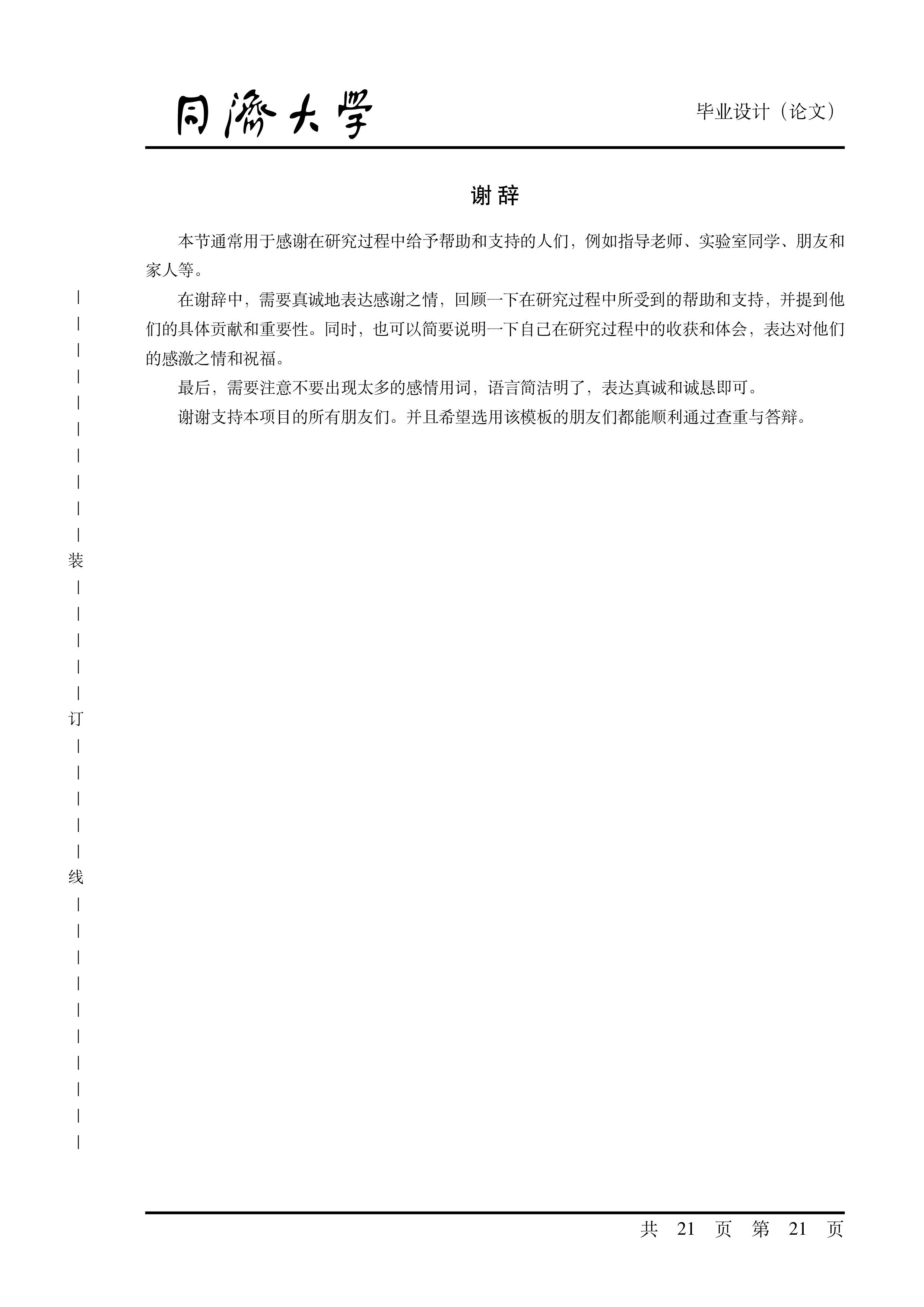
Usage
Online Use
Using Directly via Overleaf Template
You can access and use our Overleaf template through the following link:

[!IMPORTANT] When using the Overleaf template, please check the compiler and main entry settings:
- Set
main.texas the main entry file, instead of other.texfiles in the project (especiallytongjithesis.clsortongjithesis.sty);- It is recommended to use the
XeLaTeXorLuaLaTeXcompilers, as some compilers (such aspdfLaTeX) are not supported by this template.
Importing This Repository on Overleaf
- Download this repository via
Code | Download ZIPat the top of the repository home page file list; - Open Overleaf;
- Upload the downloaded
zipfile to Overleaf by dragging and dropping.
Compiling in GitHub Actions
The project is configured with GitHub Actions in .github/workflows/*.yaml. Pushing code to a fork repository or a template-generated repository will trigger tests. You can obtain build artifacts for multiple platforms from the Summary | Artifacts section of the workflow run associated with the commit.
(Enable GitHub Actions by checking Settings | Actions | General | Allow all actions and reusable workflows)
Local Use
Installing $\TeX$ Distribution
We recommend installing TeX Live (Windows, Linux) or MacTeX (macOS) following the official quick install guide.
Supporting Code Highlighting
This template supports code highlighting by incorporating the minted package. The minted package requires Python support, so you need to install Python and use pip to install Pygments. Afterwards, add the Python path with Pygments installed to the environment variable PATH, or configure as follows to ensure $\LaTeX$ can correctly invoke the minted package.
Don't want to add this Python path to the environment variable `PATH`?
You can add a redirect to the Python path of the `minted` package in the `main.tex` file: ```latex \renewcommand{\MintedPython}{/path/to/your/python} ```If you do not need code highlighting, please comment out the related content in the minted package.
Building the Project
Due to the complex file structure of this template, we do not recommend using commands like latexmk that come with TeX Live for compilation.
We recommend building the project using the command line. Furthermore, we also support building the project in a complete UI environment using the LaTeX Workshop plugin in VS Code.
Command Line
Makefile (Linux/macOS)
shell
make all                # compile main.pdf
make ENGINE=$ENGINE all # use $ENGINE (where $ENGINE=-xelatex or -lualatex) to compile main.pdf
make clean              # remove intermediate files
make cleanall           # remove all intermediate files (including .pdf)
make wordcount          # word count
Batchfile (Windows)
bat
.\make.bat                # the same to "make.bat thesis"
.\make.bat thesis         # compile main.pdf
.\make.bat thesis $ENGINE # use $ENGINE (where $ENGINE=-xelatex or -lualatex) to compile main.pdf
.\make.bat clean          # clean all work files by latexmk -c
.\make.bat cleanall       # clean all work files and main.pdf by latexmk -C
.\make.bat wordcount      # wordcount
.\make.bat help           # read the manual
Using VS Code and LaTeX Workshop Plugin
Configuring VS Code
Install the LaTeX Workshop plugin in VS Code, and then open the root directory of this project.
Compile Project Using Workshop Features
Since we have configured the LaTeX Workshop plugin in .vscode/settings.json, you only need to:
- Select the
main.texfile; - Click the button with the $\TeX$ icon on the left sidebar;
- Click
Recipe: latexmk (xelatex)from theBuild LaTeX projectlist to compile the.pdffile.
Alternatively, the LaTeX Workshop plugin will automatically compile the file when you save it.
Using in Docker
For detailed usage, see tongji-undergrad-thesis-env.
Other Features
Double-Sided Printing
If you need to use double-sided printing, simply change the first line in main.tex from
latex
\documentclass[oneside]{tongjithesis}
to
latex
\documentclass[twoside]{tongjithesis}
to enable it.
Rendering Rare Characters
Due to the default use of the Fandol font in this template, support for rare characters such as names and specific terms might not be adequate. We provide the Adobe font set in the fonts branch of our GitHub repository. You can download and install these fonts, and then change the line in style/tongjithesis.cls from
latex
\LoadClass[UTF8,a4paper,fontset=fandol]{ctexart}
to
latex
\LoadClass[UTF8,a4paper,fontset=adobe]{ctexart}
This modification will switch the rendering in the document to use the Adobe font set, enhancing support for rare characters.
[!WARNING] Placing Adobe font files in the project's root directory and specifying the font path in
main.texis not always effective. Therefore, we recommend installing the Adobe fonts into the system font directory.Tests show that placing Adobe font files in the root directory of an Overleaf project and using LuaLaTeX for compilation works, but this method may slow down the compilation process.
How to contribute to this project?
Please refer to How to pull request.
Open Source License
This project uses the LPPL-1.3c license.
text
%% tongji-undergrad-thesis
%% Copyright 2023 TJ-CSCCG
%
% This work may be distributed and/or modified under the
% conditions of the LaTeX Project Public License, either version 1.3
% of this license or (at your option) any later version.
% The latest version of this license is in
%   http://www.latex-project.org/lppl.txt
% and version 1.3 or later is part of all distributions of LaTeX
% version 2003/12/01 or later.
%
% This work has the LPPL maintenance status "maintained".
%
% This Current Maintainer of this work is R. Lin.
%
% This work consists of all the *.tex, *.cls, *.cfg, and *.sty files in
%   https://github.com/TJ-CSCCG/tongji-undergrad-thesis
Project History
- This project originated from YukuanHU's undergraduate thesis, which was uploaded on May 24, 2019.
- Starting May 9, 2021, ganler enhanced the functionalities (project structure and platform compatibility) based on the original project and began maintaining it.
- As of May 12, 2022, skyleaworlder started contributing to the project, integrated it into TJ-CSCCG, and has continued to update and improve it. It has now become a comprehensive undergraduate thesis template.
- From April 2023, RizhongLin began contributing to and managing the project.
We deeply appreciate the efforts of these contributors, whose work has facilitated and assisted many students.
If you find this template helpful for your thesis or dissertation, we hope you will acknowledge and honor these contributors in your acknowledgements section.
Acknowledgements
We have learned a lot from excellent open-source projects from top universities:
- sjtug/SJTUThesis: makefile & batchfile contributions.
- stone-zeng/fduthesis: workflows enhancements.
Contact Information
```python
Python
[ f'jiawei#@$.edu'.replace('#', '6').replace('$', 'illinois'), f'jgli22@$.edu.cn'.replace('$', 'm.fudan'), f'rizhong.lin@$.%'.replace('$', 'epfl').replace('%', 'ch'), ] ```
Owner
- Name: TJ-CSCCG
- Login: TJ-CSCCG
- Kind: organization
- Email: tj_csccg@163.com
- Location: Tongji Univ, ShangHai
- Website: https://tj-csccg.github.io/
- Twitter: TJ_CSCCG
- Repositories: 6
- Profile: https://github.com/TJ-CSCCG
Tongji Univ. Computer Science(&Information Security) Courses Cooperation Group ---- 同济计科(&信安)课程合作小组
Citation (CITATION.cff)
cff-version: 1.2.0
message: "If you use this software, please cite it as below."
title: "Tongji University Undergraduate Thesis Template (STEM)"
authors:
  - family-names: ganler
  - family-names: Hu
    given-names: Yukuan
  - family-names: skyleaworlder
  - family-names: tobiasforest
url: https://github.com/TJ-CSCCG/tongji-undergrad-thesis
version: 1.0.2
date-released: 2023-06-21
GitHub Events
Total
- Issues event: 7
- Watch event: 71
- Delete event: 4
- Issue comment event: 28
- Push event: 35
- Pull request review event: 6
- Pull request review comment event: 3
- Pull request event: 2
- Fork event: 9
- Create event: 5
Last Year
- Issues event: 7
- Watch event: 71
- Delete event: 4
- Issue comment event: 28
- Push event: 35
- Pull request review event: 6
- Pull request review comment event: 3
- Pull request event: 2
- Fork event: 9
- Create event: 5
Committers
Last synced: about 1 year ago
Top Committers
| Name | Commits | |
|---|---|---|
| skyleaworlder | 8****8@q****m | 51 |
| Rizhong Lin | r****n@t****n | 47 |
| ganler | j****u@g****m | 27 |
| strear | s****r@q****m | 1 |
| ellye | d****g@y****t | 1 |
| Cookie Pie | 5****w | 1 |
Committer Domains (Top 20 + Academic)
Dependencies
- actions/checkout v2 composite
- actions/setup-python v4 composite
- actions/upload-artifact v2 composite
- xu-cheng/texlive-action/full v1 composite
- actions/checkout v3 composite
- actions/configure-pages v3 composite
- actions/deploy-pages v2 composite
- actions/jekyll-build-pages v1 composite
- actions/upload-pages-artifact v1 composite