Science Score: 64.0%
This score indicates how likely this project is to be science-related based on various indicators:
-
✓CITATION.cff file
Found CITATION.cff file -
✓codemeta.json file
Found codemeta.json file -
✓.zenodo.json file
Found .zenodo.json file -
○DOI references
-
✓Academic publication links
Links to: arxiv.org -
✓Committers with academic emails
1 of 74 committers (1.4%) from academic institutions -
○Institutional organization owner
-
○JOSS paper metadata
-
○Scientific vocabulary similarity
Low similarity (5.7%) to scientific vocabulary
Keywords
Keywords from Contributors
Repository
Rembg is a tool to remove images background
Basic Info
Statistics
- Stars: 20,299
- Watchers: 161
- Forks: 2,111
- Open Issues: 7
- Releases: 53
Topics
Metadata Files
README.md
Rembg





Rembg is a tool to remove images background.


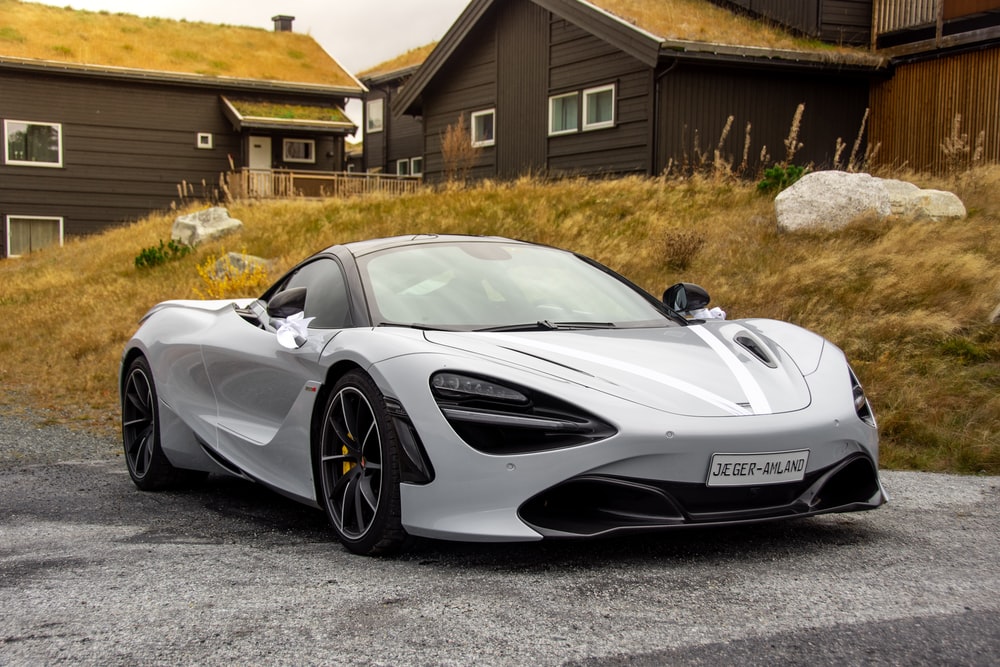
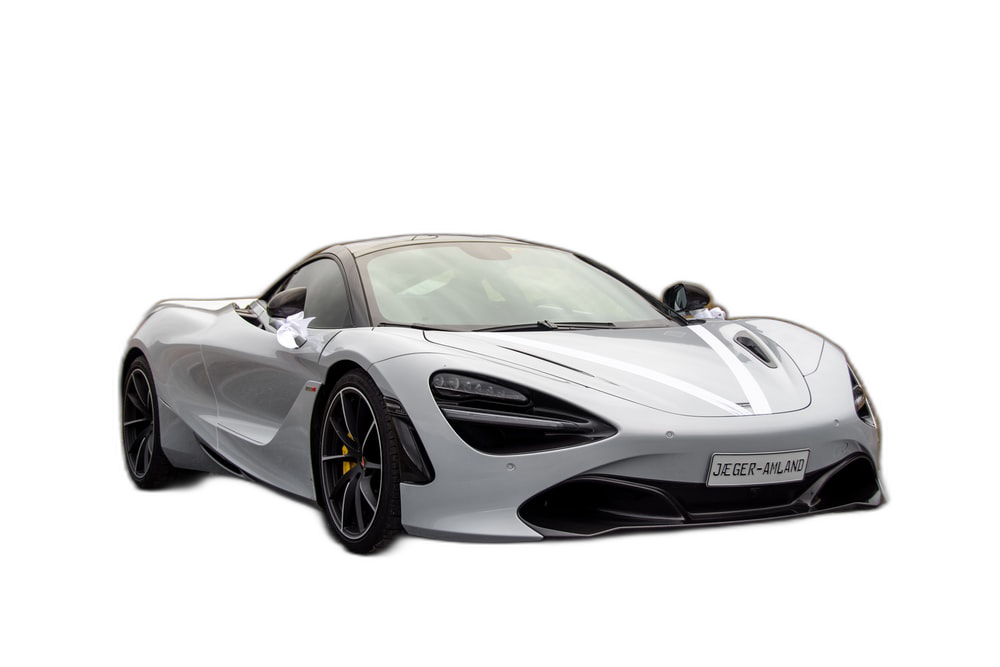
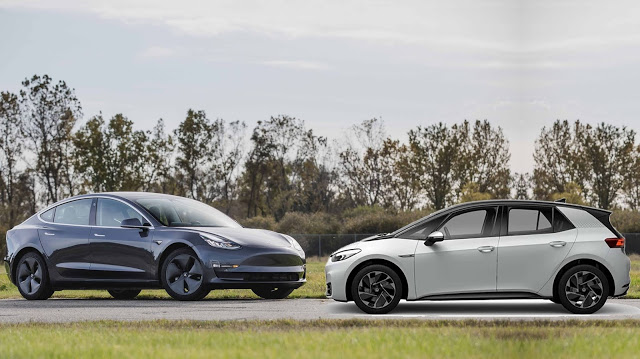

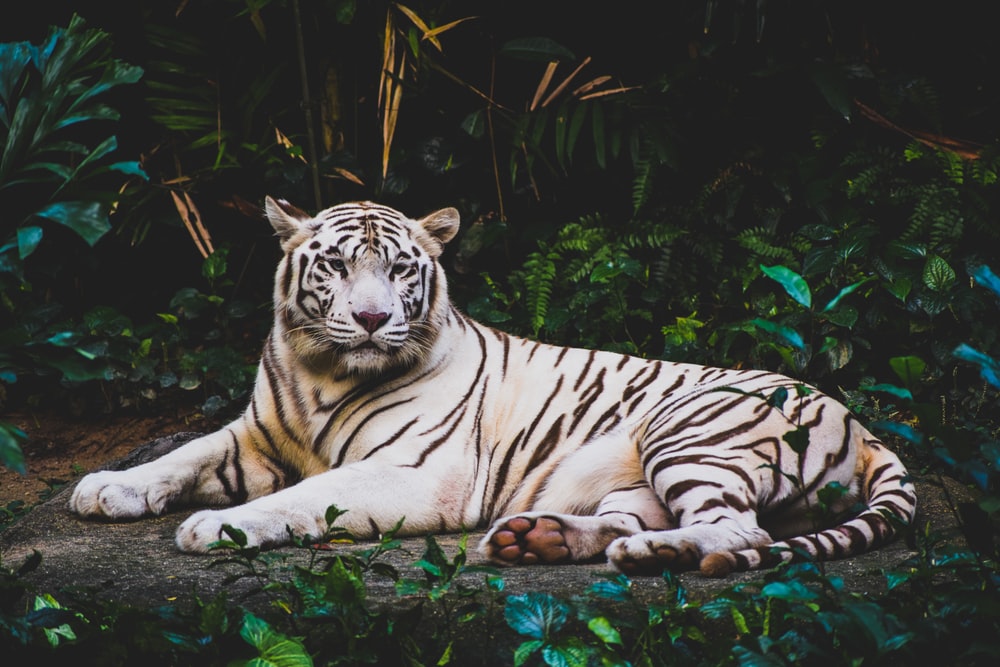
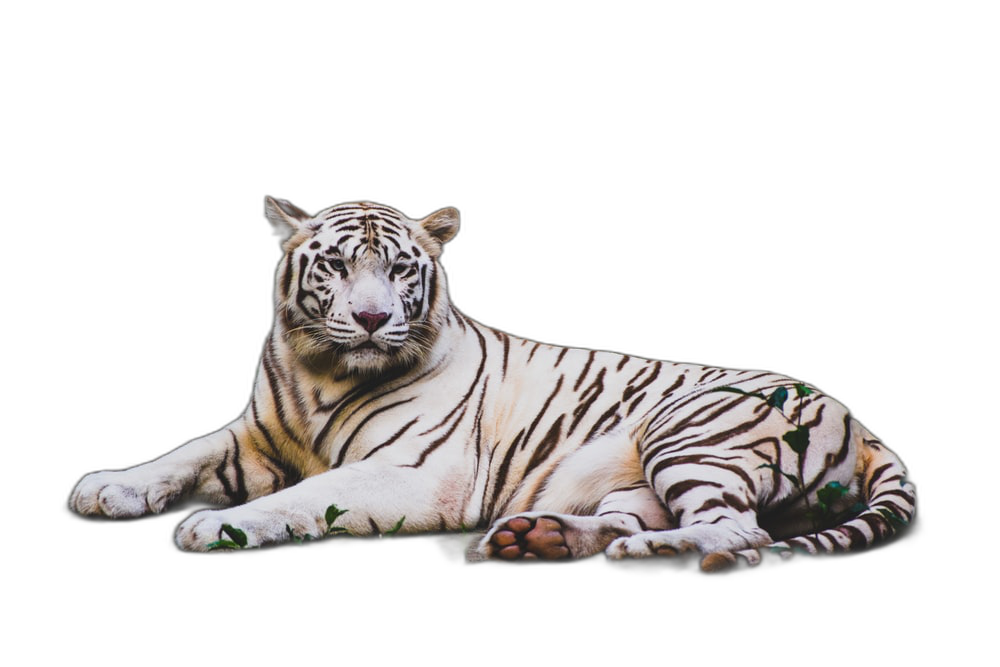
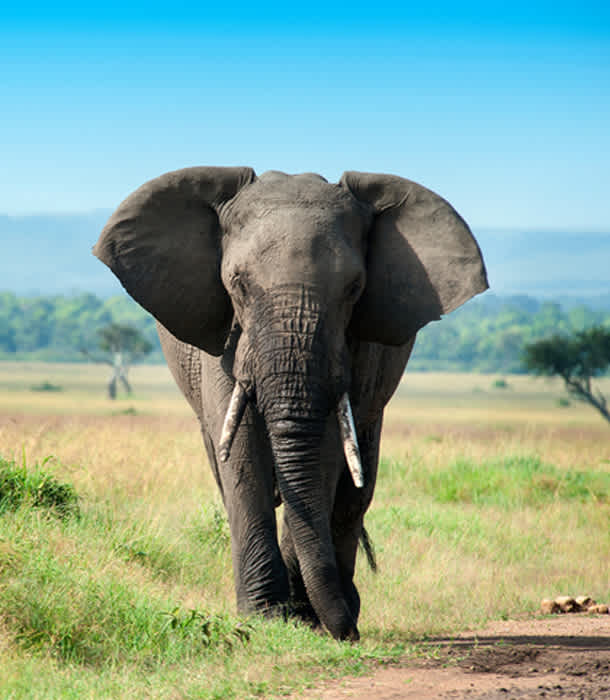
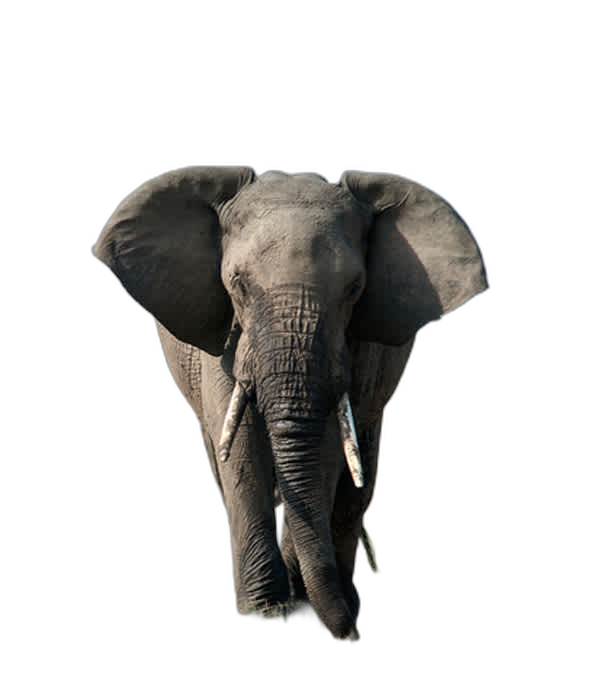
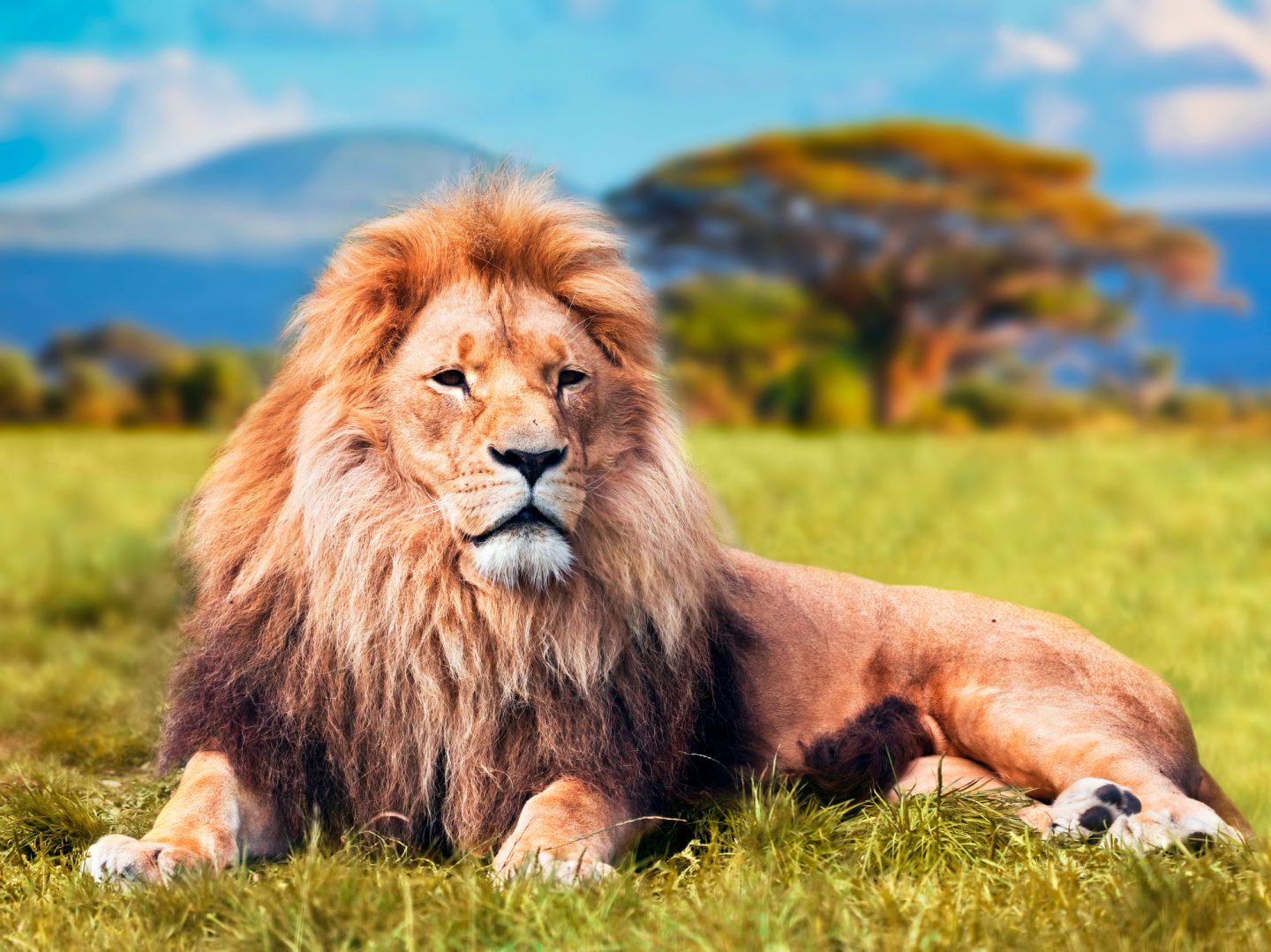
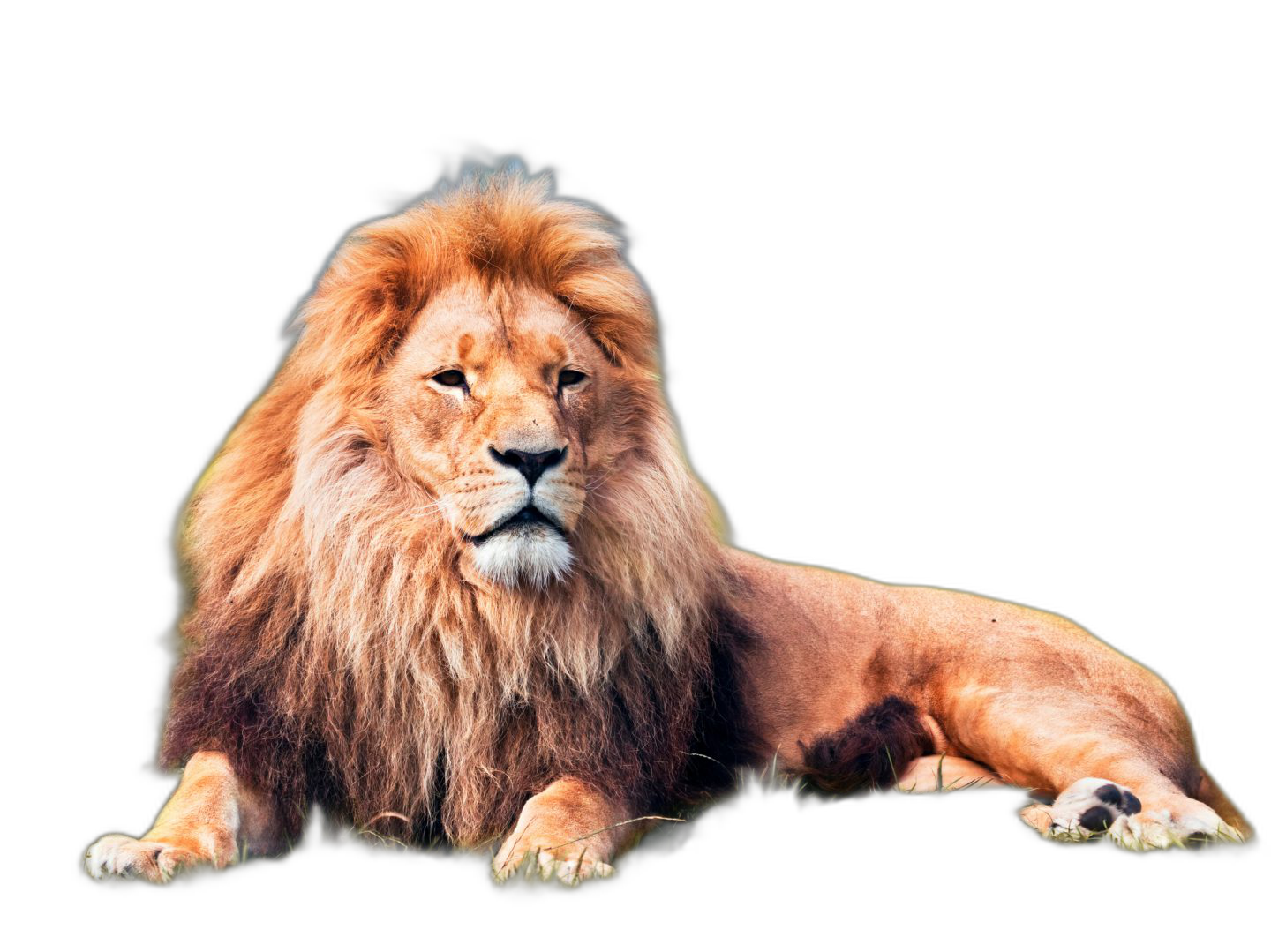

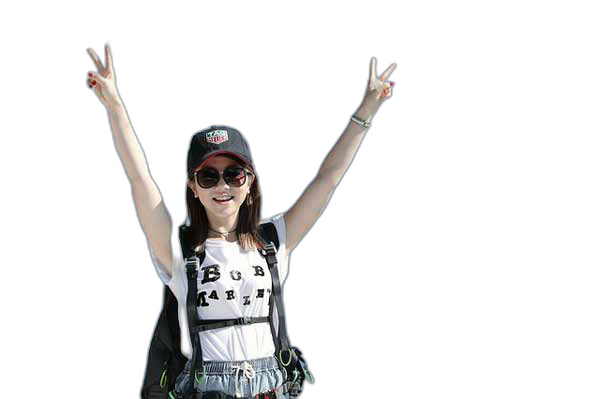
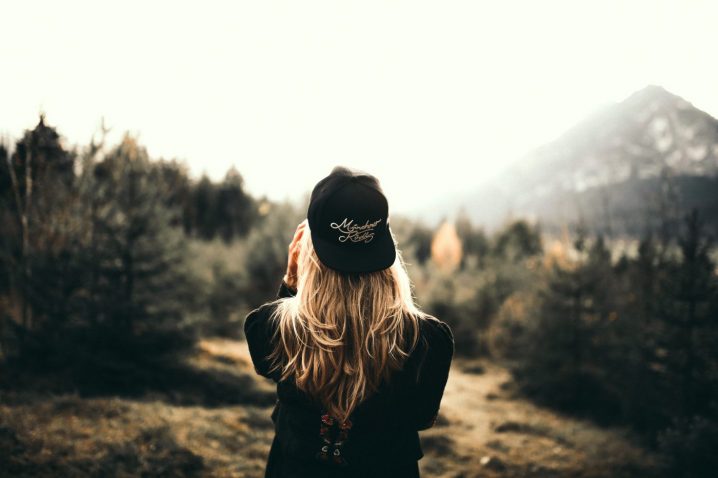
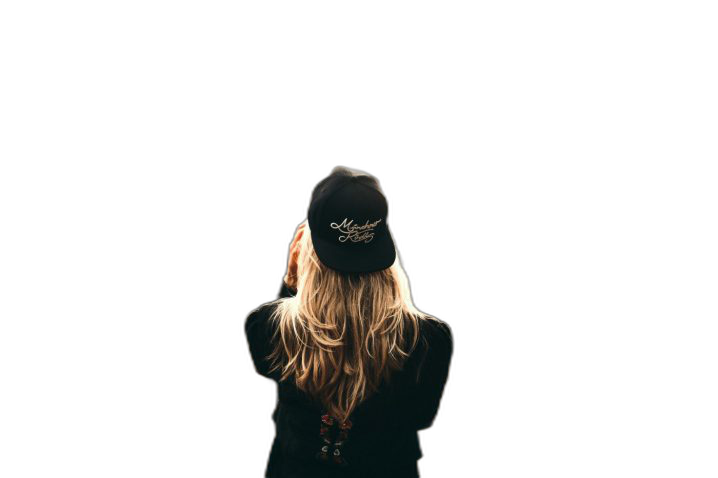
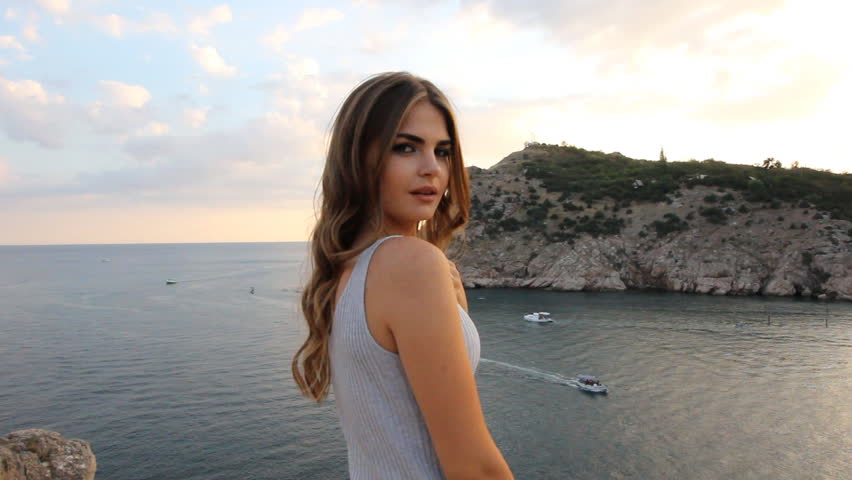
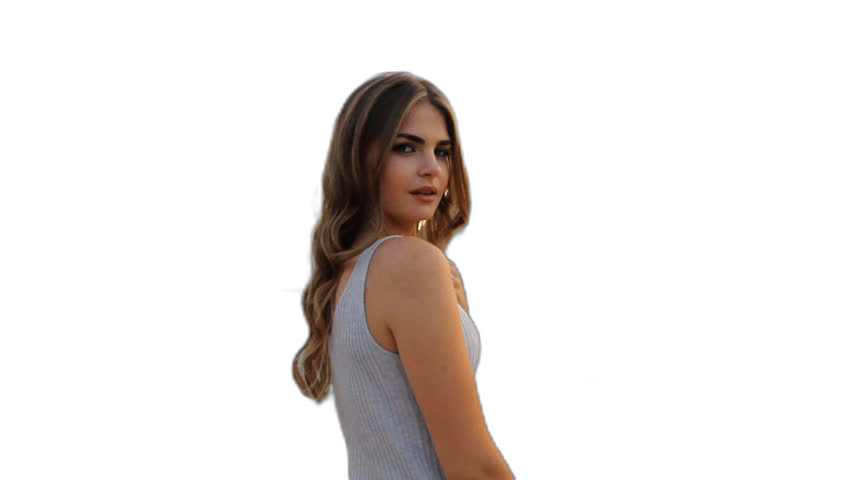

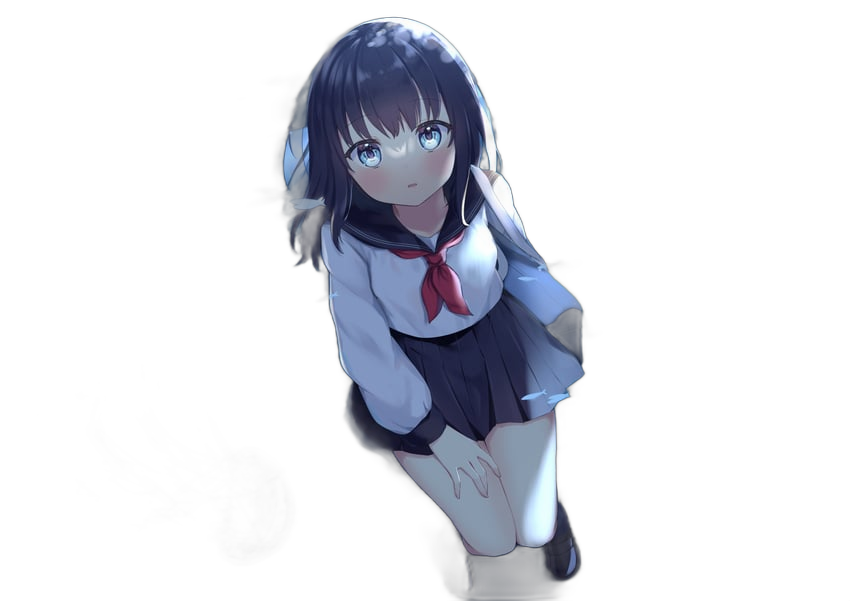




If this project has helped you, please consider making a donation.
Sponsors

|
RemBG API
https://www.rembg.com
Premium background removal API – from $1/month
|

|
withoutBG API
https://withoutbg.com
High-quality background removal API at affordable rates
|

|
PhotoRoom Remove Background API
https://photoroom.com/api
Fast and accurate background remover API |
Requirements
text
python: >=3.10, <3.14
Installation
If you have onnxruntime already installed, just install rembg:
bash
pip install rembg # for library
pip install "rembg[cli]" # for library + cli
Otherwise, install rembg with explicit CPU/GPU support.
CPU support:
bash
pip install rembg[cpu] # for library
pip install "rembg[cpu,cli]" # for library + cli
GPU support (NVidia/Cuda):
First of all, you need to check if your system supports the onnxruntime-gpu.
Go to onnxruntime.ai and check the installation matrix.
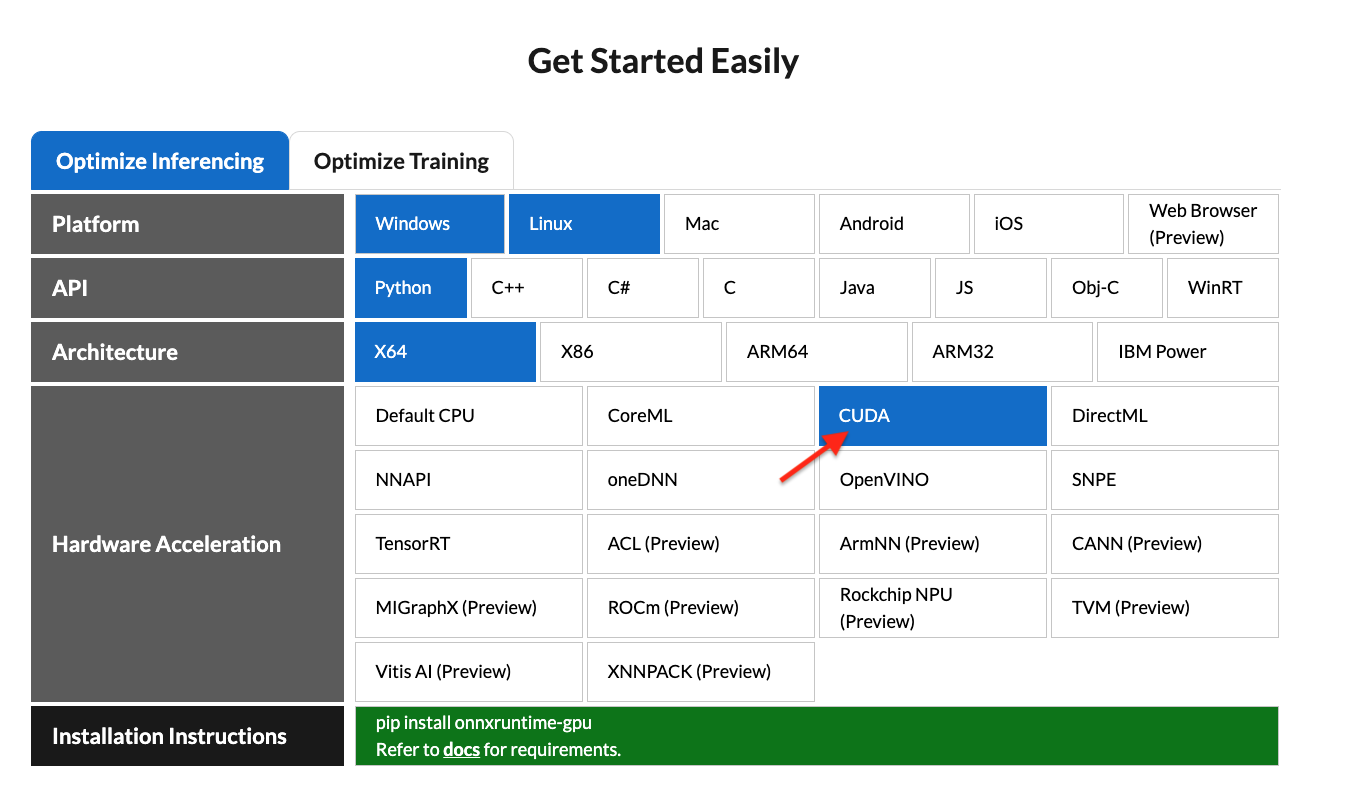
If yes, just run:
bash
pip install "rembg[gpu]" # for library
pip install "rembg[gpu,cli]" # for library + cli
Nvidia GPU may require onnxruntime-gpu, cuda, and cudnn-devel. #668 . If rembg[gpu] doesn't work and you can't install cuda or cudnn-devel, use rembg[cpu] and onnxruntime instead.
GPU support (AMD/ROCM):
ROCM support requires the onnxruntime-rocm package. Install it following
AMD's documentation.
If onnxruntime-rocm is installed and working, install the rembg[rocm]
version of rembg:
bash
pip install "rembg[rocm]" # for library
pip install "rembg[rocm,cli]" # for library + cli
Usage as a cli
After the installation step you can use rembg just typing rembg in your terminal window.
The rembg command has 4 subcommands, one for each input type:
ifor filespfor folderssfor http serverbfor RGB24 pixel binary stream
You can get help about the main command using:
shell
rembg --help
As well, about all the subcommands using:
shell
rembg <COMMAND> --help
rembg i
Used when input and output are files.
Remove the background from a remote image
shell
curl -s http://input.png | rembg i > output.png
Remove the background from a local file
shell
rembg i path/to/input.png path/to/output.png
Remove the background specifying a model
shell
rembg i -m u2netp path/to/input.png path/to/output.png
Remove the background returning only the mask
shell
rembg i -om path/to/input.png path/to/output.png
Remove the background applying an alpha matting
shell
rembg i -a path/to/input.png path/to/output.png
Passing extras parameters
```shell SAM example
rembg i -m sam -x '{ "sam_prompt": [{"type": "point", "data": [724, 740], "label": 1}] }' examples/plants-1.jpg examples/plants-1.out.png ```
```shell Custom model example
rembg i -m u2netcustom -x '{"modelpath": "~/.u2net/u2net.onnx"}' path/to/input.png path/to/output.png ```
rembg p
Used when input and output are folders.
Remove the background from all images in a folder
shell
rembg p path/to/input path/to/output
Same as before, but watching for new/changed files to process
shell
rembg p -w path/to/input path/to/output
rembg s
Used to start http server.
shell
rembg s --host 0.0.0.0 --port 7000 --log_level info
To see the complete endpoints documentation, go to: http://localhost:7000/api.
Remove the background from an image url
shell
curl -s "http://localhost:7000/api/remove?url=http://input.png" -o output.png
Remove the background from an uploaded image
shell
curl -s -F file=@/path/to/input.jpg "http://localhost:7000/api/remove"  -o output.png
rembg b
Process a sequence of RGB24 images from stdin. This is intended to be used with another program, such as FFMPEG, that outputs RGB24 pixel data to stdout, which is piped into the stdin of this program, although nothing prevents you from manually typing in images at stdin.
shell
rembg b image_width image_height -o output_specifier
Arguments:
- image_width : width of input image(s)
- image_height : height of input image(s)
- output_specifier: printf-style specifier for output filenames, for example if
output-%03u.png, then output files will be namedoutput-000.png,output-001.png,output-002.png, etc. Output files will be saved in PNG format regardless of the extension specified. You can omit it to write results to stdout.
Example usage with FFMPEG:
shell
ffmpeg -i input.mp4 -ss 10 -an -f rawvideo -pix_fmt rgb24 pipe:1 | rembg b 1280 720 -o folder/output-%03u.png
The width and height values must match the dimension of output images from FFMPEG. Note for FFMPEG, the "-an -f rawvideo -pix_fmt rgb24 pipe:1" part is required for the whole thing to work.
Usage as a library
Input and output as bytes
```python from rembg import remove
inputpath = 'input.png' outputpath = 'output.png'
with open(inputpath, 'rb') as i: with open(outputpath, 'wb') as o: input = i.read() output = remove(input) o.write(output) ```
Input and output as a PIL image
```python from rembg import remove from PIL import Image
inputpath = 'input.png' outputpath = 'output.png'
input = Image.open(inputpath) output = remove(input) output.save(outputpath) ```
Input and output as a numpy array
```python from rembg import remove import cv2
inputpath = 'input.png' outputpath = 'output.png'
input = cv2.imread(inputpath) output = remove(input) cv2.imwrite(outputpath, output) ```
Force output as bytes
```python from rembg import remove
inputpath = 'input.png' outputpath = 'output.png'
with open(inputpath, 'rb') as i: with open(outputpath, 'wb') as o: input = i.read() output = remove(input, forcereturnbytes=True) o.write(output) ```
How to iterate over files in a performatic way
```python from pathlib import Path from rembg import remove, new_session
session = new_session()
for file in Path('path/to/folder').glob('*.png'): inputpath = str(file) outputpath = str(file.parent / (file.stem + ".out.png"))
with open(input_path, 'rb') as i:
    with open(output_path, 'wb') as o:
        input = i.read()
        output = remove(input, session=session)
        o.write(output)
```
To see a full list of examples on how to use rembg, go to the examples page.
Usage as a docker
Only CPU
Just replace the rembg command for docker run danielgatis/rembg.
Try this:
shell
docker run -v path/to/input:/rembg danielgatis/rembg i input.png path/to/output/output.png
Nvidia CUDA Hardware Acceleration
Requirement: using CUDA in docker needs your host has NVIDIA Container Toolkit installed. NVIDIA Container Toolkit Install Guide
Nvidia CUDA Hardware Acceleration needs cudnn-devel so you need to build the docker image by yourself. #668
Here is a example shows you how to build an image and name it rembg-nvidia-cuda-cudnn-gpu
shell
docker build -t rembg-nvidia-cuda-cudnn-gpu -f Dockerfile_nvidia_cuda_cudnn_gpu .
Be aware: It would take 11GB of your disk space. (The cpu version only takes about 1.6GB). Models didn't included.
After you build the image, run it like this as a cli
shell
sudo docker run --rm -it --gpus all -v /dev/dri:/dev/dri -v $PWD:/rembg rembg-nvidia-cuda-cudnn-gpu i -m birefnet-general input.png output.png
- Trick 1: Actually you can also make up a nvidia-cuda-cudnn-gpu image and install rembg[gpu, cli] in it.
- Trick 2: Try param
-v /somewhereYouStoresModelFiles/:/root/.u2netso to download/store model files out of docker images. You can even comment the lineRUN rembg d u2netso when building the image, it download will no models, so you can download the specific model you want even without the default u2net model.
Models
All models are downloaded and saved in the user home folder in the .u2net directory.
The available models are:
- u2net (download, source): A pre-trained model for general use cases.
- u2netp (download, source): A lightweight version of u2net model.
- u2nethumanseg (download, source): A pre-trained model for human segmentation.
- u2netclothseg (download, source): A pre-trained model for Cloths Parsing from human portrait. Here clothes are parsed into 3 category: Upper body, Lower body and Full body.
- silueta (download, source): Same as u2net but the size is reduced to 43Mb.
- isnet-general-use (download, source): A new pre-trained model for general use cases.
- isnet-anime (download, source): A high-accuracy segmentation for anime character.
- sam (download encoder, download decoder, source): A pre-trained model for any use cases.
- birefnet-general (download, source): A pre-trained model for general use cases.
- birefnet-general-lite (download, source): A light pre-trained model for general use cases.
- birefnet-portrait (download, source): A pre-trained model for human portraits.
- birefnet-dis (download, source): A pre-trained model for dichotomous image segmentation (DIS).
- birefnet-hrsod (download, source): A pre-trained model for high-resolution salient object detection (HRSOD).
- birefnet-cod (download, source): A pre-trained model for concealed object detection (COD).
- birefnet-massive (download, source): A pre-trained model with massive dataset.
How to train your own model
If You need more fine tuned models try this: https://github.com/danielgatis/rembg/issues/193#issuecomment-1055534289
Some video tutorials
- https://www.youtube.com/watch?v=3xqwpXjxyMQ
- https://www.youtube.com/watch?v=dFKRGXdkGJU
- https://www.youtube.com/watch?v=Ai-BS_T7yjE
- https://www.youtube.com/watch?v=D7W-C0urVcQ
References
- https://arxiv.org/pdf/2005.09007.pdf
- https://github.com/NathanUA/U-2-Net
- https://github.com/pymatting/pymatting
FAQ
When will this library provide support for Python version 3.xx?
This library directly depends on the onnxruntime library. Therefore, we can only update the Python version when onnxruntime provides support for that specific version.
Buy me a coffee
Liked some of my work? Buy me a coffee (or more likely a beer)

Star History
License
Copyright (c) 2020-present Daniel Gatis
Licensed under MIT License
Owner
- Name: Daniel Gatis
- Login: danielgatis
- Kind: user
- Location: Recife - PE
- Repositories: 37
- Profile: https://github.com/danielgatis
Citation (CITATION.cff)
cff-version: 1.2.0
title: rembg
message: Rembg is a tool to remove images background
type: software
authors:
  - given-names: Daniel
    family-names: Gatis
    email: danielgatis@gmail.com
identifiers:
  - type: url
    value: 'https://github.com/danielgatis'
repository-code: 'https://github.com/danielgatis/rembg'
url: 'https://github.com/danielgatis/rembg'
abstract: Rembg is a tool to remove images background.
license: MIT
commit: 9079508935ae55d6eefa0fd75f870599640e8593
version: 2.0.66
date-released: '2025-02-21'
Committers
Last synced: about 1 year ago
Top Committers
| Name | Commits | |
|---|---|---|
| Daniel Gatis | d****s@g****m | 248 |
| Flippchen | 9****n | 19 |
| Jan Philip Göpfert | j****t@t****e | 11 |
| catscarlet | i@c****m | 6 |
| Carlo Grisetti | c****i@g****m | 5 |
| Christian Clauss | c****s@m****m | 5 |
| 0xflotus | 0****s@g****m | 3 |
| Ivan Sidorov | y****v@g****m | 3 |
| Jaric Kuo | j****o@g****m | 3 |
| MCYBA | 3****A | 3 |
| Paul Gross | p****s@g****m | 3 |
| iory | a****z@g****m | 3 |
| ふぁ | y****i@y****m | 3 |
| Sami Ede | s****e@i****m | 2 |
| Vladimir Budylnikov | g****b@n****g | 2 |
| calledit | 1****t | 2 |
| runa91 | n****g@h****m | 2 |
| Arhenniuss | a****l@g****m | 2 |
| PENGUINLIONG | a****n@p****e | 2 |
| MadMaxInfinity | 7****y | 2 |
| Lukas Bürgi | b****s@g****m | 2 |
| Bendang | b****g@g****m | 1 |
| Carolina Rojas | c****s@p****i | 1 |
| Artem M | a****m@m****k | 1 |
| Anton Repushko | r****a@g****m | 1 |
| Ceyhun Yaser Coşkun | 4****n | 1 |
| Daniel Nagy | d****y@p****e | 1 |
| David Obdržálek [ΔO] | d****d@d****z | 1 |
| Dimitri Barbot | d****t@g****m | 1 |
| Alexey Pelykh | a****h@g****m | 1 |
| and 44 more... | ||
Committer Domains (Top 20 + Academic)
Issues and Pull Requests
Last synced: 11 months ago
All Time
- Total issues: 303
- Total pull requests: 130
- Average time to close issues: about 1 month
- Average time to close pull requests: 7 days
- Total issue authors: 278
- Total pull request authors: 62
- Average comments per issue: 3.21
- Average comments per pull request: 0.9
- Merged pull requests: 86
- Bot issues: 0
- Bot pull requests: 0
Past Year
- Issues: 59
- Pull requests: 65
- Average time to close issues: about 2 months
- Average time to close pull requests: 4 days
- Issue authors: 51
- Pull request authors: 27
- Average comments per issue: 2.71
- Average comments per pull request: 0.62
- Merged pull requests: 47
- Bot issues: 0
- Bot pull requests: 0
Top Authors
Issue Authors
- zackees (3)
- hjj-lmx (3)
- youtianhong (3)
- addohm (2)
- rinab301 (2)
- FabriceSalvaire (2)
- x4080 (2)
- ironnicko (2)
- pakresi (2)
- WASasquatch (2)
- ZzMLvzZ-792998470 (2)
- Vv-vfx (2)
- x0rtrunks (2)
- jitendra-koodo (2)
- lukas-buergi (2)
Pull Request Authors
- danielgatis (9)
- divinity76 (6)
- pgr0ss (6)
- catscarlet (6)
- nett00n (4)
- dimitribarbot (4)
- Flippchen (4)
- syaifulnizamyahya (4)
- ironnicko (4)
- calledit (4)
- lukas-buergi (4)
- blacknoize404 (4)
- pixeeai (4)
- Ayusman-Singhal (3)
- Lajcisvk (3)
Top Labels
Issue Labels
Pull Request Labels
Dependencies
- actions/stale v5 composite
- actions/checkout v2 composite
- actions/setup-python v2 composite
- actions/checkout v2 composite
- docker/build-push-action v2 composite
- docker/login-action v1 composite
- docker/setup-buildx-action v1 composite
- actions/checkout v2 composite
- actions/setup-python v2 composite
- actions/checkout v3 composite
- actions/setup-python v4 composite
- actions/checkout v3 composite
- actions/setup-python v4 composite
- nvidia/cuda 11.6.0-runtime-ubuntu18.04 build
- onnxruntime-gpu ==1.13.1
- aiohttp ==3.8.1
- asyncer ==0.0.2
- click ==8.1.3
- fastapi ==0.87.0
- filetype ==1.2.0
- imagehash ==4.3.1
- numpy ==1.23.5
- onnxruntime ==1.13.1
- opencv-python-headless ==4.6.0.66
- pillow ==9.3.0
- pooch ==1.6.0
- pymatting ==1.1.8
- python-multipart ==0.0.5
- scikit-image ==0.19.3
- scipy ==1.9.3
- tqdm ==4.64.1
- uvicorn ==0.20.0
- watchdog ==2.1.9
- aiohttp *
- asyncer *
- click *
- fastapi *
- filetype *
- imagehash *
- numpy *
- onnxruntime *
- opencv-python-headless *
- pillow *
- pooch *
- pymatting *
- python-multipart *
- scikit-image *
- scipy *
- tqdm *
- uvicorn *
- watchdog *