ray-optics-forked
Science Score: 54.0%
This score indicates how likely this project is to be science-related based on various indicators:
-
✓CITATION.cff file
Found CITATION.cff file -
✓codemeta.json file
Found codemeta.json file -
○.zenodo.json file
-
✓DOI references
Found 4 DOI reference(s) in README -
✓Academic publication links
Links to: zenodo.org -
○Academic email domains
-
○Institutional organization owner
-
○JOSS paper metadata
-
○Scientific vocabulary similarity
Low similarity (14.9%) to scientific vocabulary
Repository
Basic Info
- Host: GitHub
- Owner: mourinhan8
- License: apache-2.0
- Language: JavaScript
- Default Branch: master
- Size: 0 Bytes
Statistics
- Stars: 0
- Watchers: 1
- Forks: 0
- Open Issues: 0
- Releases: 0
Metadata Files
README.md
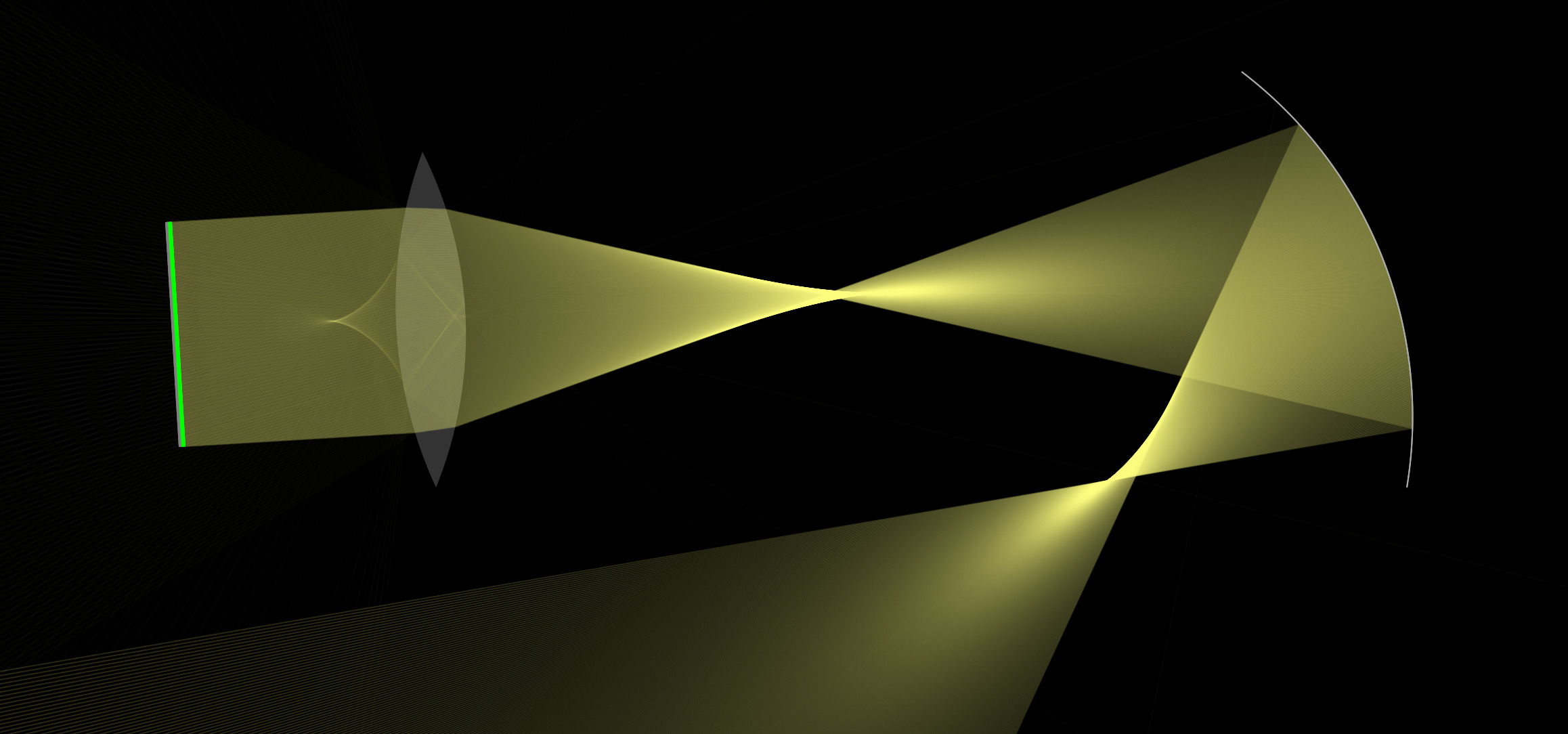
Ray Optics Simulation



A web app for creating and simulating 2D geometric optical scenes. Our goal is to make it easy for students to build physical intuition by "playing around", for teachers to do dynamical demonstrations, and at the same time also include tools for more advanced usage.
Features
- Simulate various light sources: ray, parallel/divergent beam, and point source
- Simulate reflection in linear or curved mirrors, which can be defined by a custom equation
- Simulate beam splitters and dichroic mirrors
- Simulate refraction in linear or curved interfaces, which can be defined by a custom equation
- Simulate ideal lens/mirror, which obey the lens/mirror equation
- Simulate spherical lens defined by front/back focal distances
- Simulate gradient-index material defined by a custom refractive index function
- Simulate mixture of colors, color filtering, and chromatic dispersion
- Simulate diffraction gratings.
- View extensions of rays to see if they converge to a virtual image
- View real images, virtual images, and virtual objects directly
- View images that can be observed from some given position
- Distance, angular, energy flow, and momentum flow measurements
- Draw irradiance map and export as CSV data
- Export as SVG diagram
- Create modularized combinations of optical elements with custom parameters.
- Use the simulator as a node module in your own project.
Links
Cite this project
If you use this project in your research, please cite it using the metadata in the CITATION.bib file.
You can also include the URL https://phydemo.app/ray-optics/ in the citation. The URL will not change in the foreseeable future (at least until 2032).
If you are strict about versioning, you may consider using the latest "released" version, which is older than the online version of this project, and replace the project DOI in the citation file above with the versioned DOI. The DOI for the latest v5.0 release is 10.5281/zenodo.14538565. See Run Locally for how to run the released version locally.
Contributing
Contributions are welcome. For the following types of contributions, no (or little) programming knowledge is required:
- New items in the gallery
- New translations
- New modules (as in Tools -> Other -> Import Modules)
See CONTRIBUTING.md for the tutorial.
For translations, note that this project uses Weblate. Please visit https://hosted.weblate.org/engage/ray-optics-simulation/ to translate.

To contribute code, you need to have some knowledge of JavaScript and module bundling. The code is written in ES6 and bundled with Webpack. The code structure is documented in the documentation. See the following section for installation instructions.
Installation
[!NOTE] The following instructions are for developers. If you just want to use the web app, you can launch it directly from here. If you just want to run the project locally, please see Run Locally.
To run the web app locally for development, you need to have Node.js installed. Then, run the following commands in the terminal:
bash
git clone https://github.com/ricktu288/ray-optics.git
cd ray-optics
npm install --no-optional
npm run start
After that, the simulator web app should be running at http://localhost:8080/simulator/. Note however that some links and the "import module" window will not work because the other part of the project is not built.
If you want to build the entire project, including the home pages, gallery, modules, documentation, and the node version of the simulator, you can run the following command:
bash
npm install
npm run build
After that, the entire content for the https://phydemo.app/ray-optics/ website will be in the dist folder. You can again run npm run start to run the simulator locally, and now all the links and the "import module" window should work.
If an error occurs during the installation, some common reasons are: - The version of Node.js is too old. You can update Node.js to version 18 or later. - Some system dependencies for node-canvas are missing. You can find the instructions for installing the dependencies in the node-canvas repository.
The full build may takes about half an hour to complete due to the generation of the large numbers of images for the gallery.
Project structure
srccontains the source code for the project.datacontains the data for gallery, modules, and the list of contributors.localescontains the translations for the project in i18next format, managed by Weblate.scriptscontains the scripts for custom build steps.testcontains the automatic tests for the project.dist(generated at build time) contains the built files for the project (the entire content for the https://phydemo.app/ray-optics website).dist-node(generated at build time) contains the built files for the node module version of the simulator, which is required for the image generation, and can also be used in your own project.
See the README.md in each directory for more information.
Development
For development of the web app, you can just use npm run start, and the web app will be automatically reloaded when some code for the simulator is modified. However, to rebuild some other part of this project, you need to run the following commands:
```bash
build home pages, about pages, gallery, and modules pages (not including scenes and image generation).
npm run build-webpages
build the scenes for the gallery and modules pages.
npm run build-scenes
build the node module version of the simulator, which is required for the image generation.
npm run build-node
generate images for the gallery, which may take a long time.
npm run build-images
build the web app version of simulator (unlike npm run start, this command builds the simulator in production mode)
npm run build-simulator
build documentation
npm run build-docs
``
Note thatnpm run build` is equivalent to running all the above commands.
Testing
To run the automatic tests,
bash
npm run test
The tests are run automatically when you commit your changes.
The above command will run the following tests:
bash
npm run test:sceneObjs
npm run test:scenes
the first one tests the user creation, dragging, and changing properties for each scene object in the source code.
the second one runs the scene JSONs in test/scenes/ with the node module version of the simulator, and compares the output of CropBox/Detector with the corresponding PNG/CSV files.
If you modify the appearance of some objects or rays, the images in test/scenes/ may need to be updated. Also if you add new scene tests, the corresponding PNG and CSV files nees to be initialized. In these cases, run the following command to regenerate all the PNG/CSV files after you make sure that all the failing tests are due to the changes you made:
bash
env WRITE_OUTPUT=true npm run test:scenes
Please do not run this command if you are not sure that all the failing tests are due to the changes you made, since after running it, all scene tests will pass vacuously.
Currently there is no automatic end-to-end test for the web app. So please manually check that the UI works as expected if you make any changes.
Use as a Node Module
The simulator can be used as a node module in your own project. The node module version of the simulator is built with the following command:
bash
npm run build-node
After that, you can use the simulator in your own project by importing the module:
javascript
const { Scene, Simulator, sceneObjs, geometry } = require('path/to/ray-optics/dist-node/main.js');
See the documentation for more information about the API. For a usage example, see the image generation script.
License
``` Copyright 2016–2025 The Ray Optics Simulation authors and contributors
Licensed under the Apache License, Version 2.0 (the "License"); you may not use this file except in compliance with the License. You may obtain a copy of the License at
http://www.apache.org/licenses/LICENSE-2.0
Unless required by applicable law or agreed to in writing, software distributed under the License is distributed on an "AS IS" BASIS, WITHOUT WARRANTIES OR CONDITIONS OF ANY KIND, either express or implied. See the License for the specific language governing permissions and limitations under the License. ```
Owner
- Name: Nguyen Ngoc Nhan
- Login: mourinhan8
- Kind: user
- Repositories: 2
- Profile: https://github.com/mourinhan8
Group 23531/1
Citation (CITATION.bib)
@misc{RayOptics,
  author = {Tu, Yi-Ting and others},
  title = {{Ray Optics Simulation}},
  year = {2016},
  doi = {10.5281/zenodo.6386611}
}
GitHub Events
Total
- Push event: 1
- Create event: 2
Last Year
- Push event: 1
- Create event: 2
Dependencies
- 860 dependencies
- @popperjs/core 2.11.8
- ace-builds ^1.36.0
- bootstrap 5.1.3
- canvas2svg github:gliffy/canvas2svg
- copy-webpack-plugin ^12.0.2
- css-loader ^7.1.2
- evaluatex ^2.2.0
- file-loader ^6.2.0
- file-saver ^2.0.5
- html-loader ^5.1.0
- html-webpack-plugin ^5.6.2
- i18next ^23.16.5
- i18next-http-backend ^2.6.2
- jquery ^3.7.1
- json-url ^3.1.0
- mathjs ^13.2.0
- mathquill github:Jutanium/mathquill-webpack
- sass ^1.80.3
- sass-loader ^16.0.2
- seedrandom ^3.0.5
- style-loader ^4.0.0
- tex-math-parser ^2.0.4
- webpack ^5.95.0
- webpack-cli ^5.1.4
- webpack-dev-server ^5.1.0