https://github.com/pixeltable/pixelagent
Pixelagent — Build your own stateful agent framework
Science Score: 26.0%
This score indicates how likely this project is to be science-related based on various indicators:
-
○CITATION.cff file
-
✓codemeta.json file
Found codemeta.json file -
✓.zenodo.json file
Found .zenodo.json file -
○DOI references
-
○Academic publication links
-
○Academic email domains
-
○Institutional organization owner
-
○JOSS paper metadata
-
○Scientific vocabulary similarity
Low similarity (12.2%) to scientific vocabulary
Keywords
Repository
Pixelagent — Build your own stateful agent framework
Basic Info
- Host: GitHub
- Owner: pixeltable
- License: apache-2.0
- Language: Python
- Default Branch: main
- Homepage: https://pixeltable.com
- Size: 256 KB
Statistics
- Stars: 203
- Watchers: 5
- Forks: 18
- Open Issues: 0
- Releases: 5
Topics
Metadata Files
README.md





Pixelagent: An Agent Engineering Blueprint
We see agents as the intersection of an LLM, storage, and orchestration. Pixeltable unifies this interface into a single declarative framework, making it the de-facto choice for engineers to build custom agentic applications with build-your-own functionality for memory, tool-calling, and more.
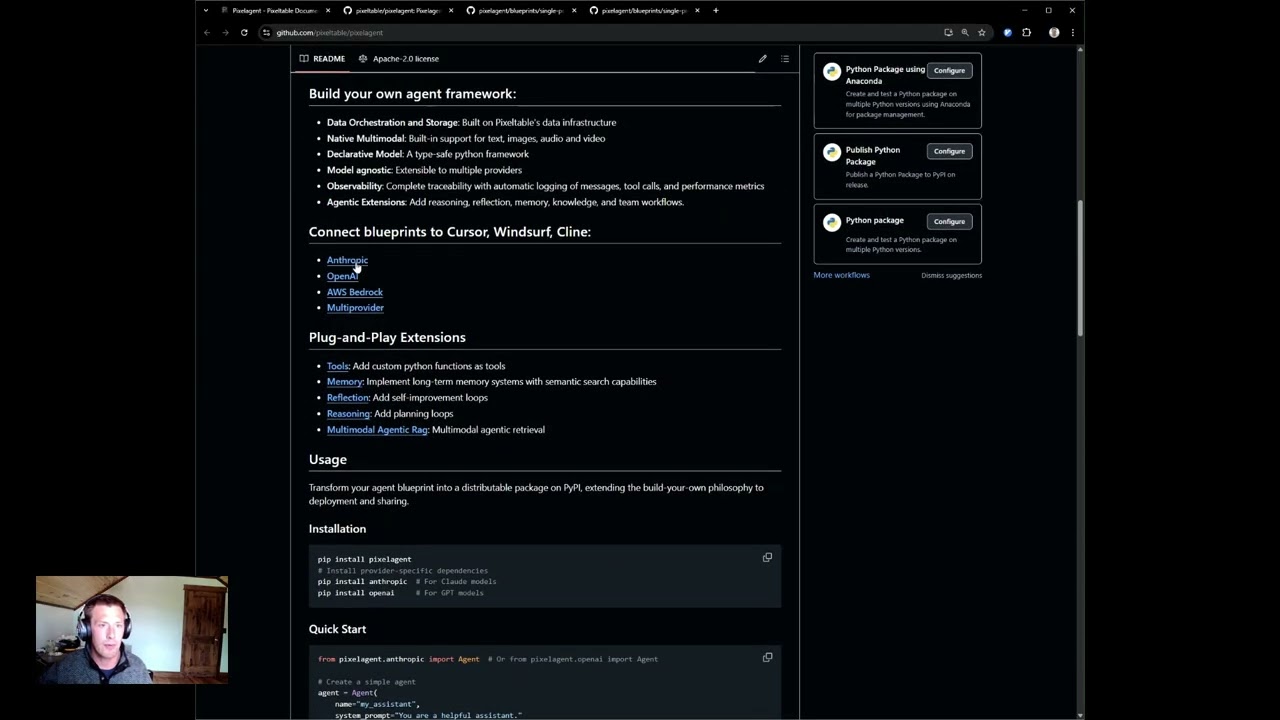
Build your own agent framework:
- Data Orchestration and Storage: Built on Pixeltable's data infrastructure
- Native Multimodal: Built-in support for text, images, audio and video
- Declarative Model: A type-safe python framework
- Model agnostic: Extensible to multiple providers
- Observability: Complete traceability with automatic logging of messages, tool calls, and performance metrics
- Agentic Extensions: Add reasoning, reflection, memory, knowledge, and team workflows.
Connect blueprints to Cursor, Windsurf, Cline:
Plug-and-Play Extensions
- Tools: Add custom python functions as tools
- Memory: Implement long-term memory systems with semantic search capabilities
- Reflection: Add self-improvement loops
- Reasoning: Add planning loops
- Multimodal Agentic Rag: Multimodal agentic retrieval
Usage
Transform your agent blueprint into a distributable package on PyPI, extending the build-your-own philosophy to deployment and sharing.
Installation
```bash pip install pixelagent
Install provider-specific dependencies
pip install anthropic # For Claude models pip install openai # For GPT models ```
Quick Start
```python from pixelagent.anthropic import Agent # Or from pixelagent.openai import Agent
Create a simple agent
agent = Agent( name="myassistant", systemprompt="You are a helpful assistant." )
Chat with your agent
response = agent.chat("Hello, who are you?") print(response) ```
Adding Tools
```python import pixeltable as pxt from pixelagent.anthropic import Agent import yfinance as yf
Define a tool as a UDF
@pxt.udf def stock_price(ticker: str) -> dict: """Get stock information for a ticker symbol""" stock = yf.Ticker(ticker) return stock.info
Create agent with tool
agent = Agent( name="financialassistant", systemprompt="You are a financial analyst assistant.", tools=pxt.tools(stock_price) )
Use tool calling
result = agent.tool_call("What's the current price of NVDA?") print(result) ```
State management
```python import pixeltable as pxt
Agent memory is automatically persisted in tables
memory = pxt.gettable("myassistant.memory") conversations = memory.collect()
Access tool call history
toolslog = pxt.gettable("financialassistant.tools") toolhistory = tools_log.collect()
cusomatizable memory database
conversationalagent = Agent( name="conversationagent", systemprompt="Focus on remebering the conversation", nlatest_messages=14 ) ```
Custom Agentic Strategies
```python
ReAct pattern for step-by-step reasoning and planning
import re from datetime import datetime from pixelagent.openai import Agent import pixeltable as pxt
Define a tool
@pxt.udf def stock_info(ticker: str) -> dict: """Get stock information for analysis""" import yfinance as yf stock = yf.Ticker(ticker) return stock.info
ReAct system prompt with structured reasoning pattern
REACT_PROMPT = """ Today is {date}
IMPORTANT: You have {max_steps} maximum steps. You are on step {step}.
Follow this EXACT step-by-step reasoning and action pattern:
- THOUGHT: Think about what information you need to answer the question.
- ACTION: Either use a tool OR write "FINAL" if you're ready to give your final answer.
Available tools: {tools}
Always structure your response with these exact headings:
THOUGHT: [your reasoning] ACTION: [tool_name] OR simply write "FINAL" """
Helper function to extract sections from responses
def extractsection(text, sectionname): pattern = rf'{section_name}:?\s(.?)(?=\n\s*(?:THOUGHT|ACTION):|$)' match = re.search(pattern, text, re.DOTALL | re.IGNORECASE) return match.group(1).strip() if match else ""
Execute ReAct planning loop
def runreactloop(question, maxsteps=5): step = 1 while step <= maxsteps: # Dynamic system prompt with current step reactsystemprompt = REACTPROMPT.format( date=datetime.now().strftime("%Y-%m-%d"), tools=["stockinfo"], step=step, maxsteps=maxsteps, )
    # Agent with updated system prompt
    agent = Agent(
        name="financial_planner",
        system_prompt=react_system_prompt,
        reset=False,  # Maintain memory between steps
    )

    # Get agent's response for current step
    response = agent.chat(question)

    # Extract action to determine next step
    action = extract_section(response, "ACTION")

    # Check if agent is ready for final answer
    if "FINAL" in action.upper():
        break

    # Call tool if needed
    if "stock_info" in action.lower():
        tool_agent = Agent(
            name="financial_planner",
            tools=pxt.tools(stock_info)
        )
        tool_agent.tool_call(question)

    step += 1

# Generate final recommendation
return Agent(name="financial_planner").chat(question)
Run the planning loop
recommendation = runreactloop("Create an investment recommendation for AAPL") ```
Check out our tutorials for more examples including reflection loops, planning patterns, and multi-provider implementations.
Tutorials and Examples
- Basics: Check out Getting Started for a step-by-step introduction to core concepts
- Advanced Patterns: Explore Reflection and Planning for more complex agent architectures
- Specialized Directories: Browse our example directories for deeper implementations of specific techniques
Ready to start building? Dive into the blueprints, tweak them to your needs, and let Pixeltable handle the AI data infrastructure while you focus on innovation!
Owner
- Name: Pixeltable
- Login: pixeltable
- Kind: organization
- Location: United States of America
- Repositories: 1
- Profile: https://github.com/pixeltable
GitHub Events
Total
- Create event: 31
- Issues event: 1
- Release event: 6
- Watch event: 173
- Delete event: 25
- Issue comment event: 5
- Push event: 60
- Pull request review event: 16
- Pull request event: 37
- Fork event: 20
Last Year
- Create event: 31
- Issues event: 1
- Release event: 6
- Watch event: 173
- Delete event: 25
- Issue comment event: 5
- Push event: 60
- Pull request review event: 16
- Pull request event: 37
- Fork event: 20
Packages
- Total packages: 1
-
Total downloads:
- pypi 137 last-month
- Total dependent packages: 0
- Total dependent repositories: 0
- Total versions: 6
- Total maintainers: 1
pypi.org: pixelagent
A modular AI agent framework supporting OpenAI and Anthropic models
- Homepage: https://pixeltable.com/
- Documentation: https://docs.pixeltable.com/docs/libraries/pixelagent
- License: Apache-2.0
-
Latest release: 0.1.5
published about 1 year ago