https://github.com/agahkarakuzu/eda_organized
BrainHack 2020 good coding practices in MATLAB and Octave
Science Score: 10.0%
This score indicates how likely this project is to be science-related based on various indicators:
-
○CITATION.cff file
-
○codemeta.json file
-
○.zenodo.json file
-
○DOI references
-
✓Academic publication links
Links to: zenodo.org -
○Academic email domains
-
○Institutional organization owner
-
○JOSS paper metadata
-
○Scientific vocabulary similarity
Low similarity (5.9%) to scientific vocabulary
Repository
BrainHack 2020 good coding practices in MATLAB and Octave
Basic Info
- Host: GitHub
- Owner: agahkarakuzu
- Language: MATLAB
- Default Branch: master
- Homepage: https://ohbm.github.io/hackathon2020/
- Size: 1010 KB
Statistics
- Stars: 8
- Watchers: 2
- Forks: 1
- Open Issues: 1
- Releases: 0
Metadata Files
README.md






🧠 BrainHack 2020, Good coding practices in MATLAB and Octave.
You can see the refactoring notes Eda took to divide and conques Jim's 🍝 matlab code!
⚠️
Scripts in this repository are NOT intended for research use!
How to clone this repo to your local?
git clone --recursive https://github.com/agahkarakuzu/eda_organized.git
You need to pass --recursive argument as the repo contains submodules in the
external folder.
📥 Installation instructions
💻 Install locally
### MATLAB You can execute the scripts in this repository in MATLAB > `R2016b`. Tested in `R2018b`. Required toolboxes: - Image processing toolbox ### Octave The scripts in this repository are Octave >`v4.0.3` compatible. Tested in `v4.2.2.`. Required packages: - Image #### Octave installation instructions ##### OSX 1. Open your terminal. Skip steps 2 and 3 if you have [`Homebrew`](https://brew.sh/) installed already. 2. `sudo xcode-select --install` 3. Follow [Homebrew's installation instructions](https://brew.sh/). 4. Ensure that the `brew` is up to date: `brew update` 5. Install Octave `brew install octave` If you prefer other package managers such as MacPorts or Spack, please visit [Octave's official wiki page](http://wiki.octave.org/Octave_for_macOS) for instructions. ##### Ubuntu You can simply install Octave by ``` sudo apt-add-repository ppa:octave/stable sudo apt-get update sudo apt-get install octave ``` Detailed instructions are available at [Octave's official wiki page](https://wiki.octave.org/Octave_for_Debian_systems). ##### Windows Please follow the instructions on [Octave's official wiki page](https://wiki.octave.org/Octave_for_Microsoft_Windows#:~:text=Installers%20for%20Microsoft%20Windows,html%20under%20the%20Windows%20tab.). #### To use Octave in Jupyter Notebooks 1. Make sure that you have Octave installed. 2. If you have Conda/Jupyter/pip installed, go to step 4. 3. Download the [Anaconda Installer](https://www.anaconda.com/products/individual) and install it. 4. Install [Octave kernel](https://pypi.org/project/octave-kernel/): ``` pip install octave_kernel ``` 5. Run `jupyter notebook` in your terminal. `Octave` should appear on the list for creating a new notebook. #### To use MATLAB in Jupyter Notebooks 1. If you dont have Anaconda installed, please download the [Anaconda Installer](https://www.anaconda.com/products/individual) and install it. 2. Setup the MATLAB Engine API for Python * Open a terminal * Navigate to your MATLAB root folder. To find out the root dir, you can run `matlabroot` command in MATLAB. * In the MATLAB root directory: ``` cd extern/engines/python python setup.py install ``` 3. In terminal run: ``` pip install imatlab python -mimatlab install ``` 4. Run `jupyter notebook` in your terminal. `MATLAB` should appear on the list for creating a new notebook.
🐳 Use with Docker
If you have Docker installed on your computer and running, you can run the code in the same environment described in this repository. ### Option-1: Use `repo2docker` 1. Simply install `repo2docker` from pyPI: ``` pip install jupyter-repo2docker ``` 2. Run the following command in your terminal: ``` jupyter-repo2docker https://github.com/agahkarakuzu/eda_organized ``` After building (it might take a while!), it should output in your terminal something like: ``` Copy/paste this URL into your browser when you connect for the first time, to login with a token: http://0.0.0.0:36511/?token=f94f8fabb92e22f5bfab116c382b4707fc2cade56ad1ace0 ``` This should start a Jupyter session on your browser and make all the resources you see when you [launch a Binder](https://mybinder.org/v2/gh/agahkarakuzu/eda_organized/master) for this repository. To re-use your container built by repo2docker, do the following: 1. Run `docker images` command and copy the `IMAGE ID` to your clipboard 2. Run the following command to start the container: ``` docker run -it --rm -p 8888:8888 `PASTE IMAGE ID HERE` jupyter notebook --ip 0.0.0.0 ``` ### Option 2: Use Docker image built by this repo This repository builds and pushes its own Docker images on every release! You can see the available versions [here](https://hub.docker.com/r/agahkarakuzu/brainhack20). I will give the instructions for the latest version: 1. Pull the docker image ``` docker pull agahkarakuzu/brainhack20:latest ``` 2. Start the container ``` docker run -it --rm -p 8888:8888 agahkarakuzu/brainhack20:latest ```
☁️ Execute online
[](https://mybinder.org/v2/gh/agahkarakuzu/eda_organized/master)
🎦 Videos
I splitted my video (beginning from 23:00) into 12 parts by content. You can find them expanding the section below:
Divide and conquer m-scripts: 12 Video clips
1. [Moving on with inspecting Jim's code](https://www.loom.com/share/2428ab688f5f4382a4195f011d740f94) 2. [Creating a git repository](https://www.loom.com/share/439e1109f7bc4cf988a3624eea3949ae) 3. [Plan of attack: Taking notes for refactoring](https://www.loom.com/share/6a6536f933ad48078138259109881745) 4. [Writing `getData.m`: Use `inputParser`](https://www.loom.com/share/716c95cf632b4b6abf70f67364083fcc) 5. [`getData`: Exploring `inputParser`](https://www.loom.com/share/bd8abf69adc943da8d788010d296cf85) 6. [`getData`: Ready to go!](https://www.loom.com/share/5c6c06a10593470eb9c88f964a47c333) 7. [Git submodules and some MATLAB tips](https://www.loom.com/share/4f93884adfff4b88b84f974dde6042ef) 8. [FUN, implicit expansion & speed](https://www.loom.com/share/0c07b829dd6543a196d404c7ff677880) 9. [Writing unit Tests!](https://www.loom.com/share/4049b85b179649678e32ab90fa075856) 10. [`CI` using GitHub Actions and Azure](https://www.loom.com/share/6793335d75704e229355006b9aa470ce) 11. [Jupyter Notebook & Binder: Execute your m-code online!](https://www.loom.com/share/b2e30a074f9e4329aa863e3365e86e62) 12. [Running the notebook! Bonus: Interactive plots](https://www.loom.com/share/c4bfe285b1454b148d4d7317e2a818d4)⌨️ Exercises
Some of the exercises below will encourage you to fork this repository, improve it and make a pull request. Improvement can be anything, even fixing a typo!
If you fork this repository, open the Actions tab and click that green button
to enable CI running for your fork! This way, you can ensure that your changes
will not break something, and make your PR with mind at peace 😌.
Other exercises will ask you to work with Aurina's repository. Thank you @AurinaBMH!
| Icon | Difficulty level | |:------|:----| |💚| Easy| |💛| Medium| |🧡| Upper-intermediate| |❤️ |A bit difficult (relatively)| |😎 |PRO|
💚 Add comments to the functions in this repo
I did not add any header comments to the functions I wrote for this course on purpose. 1. Fork this repository 2. Create a header comment for one of the functions you choose and make a pull request to this repository! By the way, it does not have to be a header comment! You can make a pull request for anything that improves readibility of the code, such as adding inline comments, changing variable names, or even fixing a typo. Hint: You can find a header comment template ingetData.m.
💚 Improve community profile of this repo
This repository is missing some important community profile information. Such a shame! See how this project compares to recommended community standards and make pull requests to improve it! I just created a nice CHANGELOG template for you, but it does not have much to do with community standards 👀.
💛 Improve tests in this repo
Improvements can include adding comments to the [test scripts](https://github.com/agahkarakuzu/eda_organized/tree/master/Test), improving testing steps or even writing a new one! Fork this repository, do your changes and make a PR!
🧡 Do performance improvements in this repo
Remember that the `plotSlice` function was running slowly for no reason? See the instructions [here](https://github.com/agahkarakuzu/eda_organized/blob/20184bfaa2db2be4088b38f239623881b45a0e85/src/plotSlice.m#L40-L63) and try to replace that nested `for` loop with something faster! Note that it is not the only part that slows down the code. There are some other parts in the function written without thinking too much about computational overhead. You are more than welcome to find and replace them with something better. Do not forget to make a pull request once you complete it!
💛 Write tests for Auirina's repository
1. Clone @AurinaBMH's repository
git clone https://github.com/AurinaBMH/OHBMpractical.git
2. Setup MOxUnit git clone https://github.com/MOxUnit/MOxUnit.git
Note: Do not clone MOxUnit in the OHBMpractical folder.
3. Add MOxUnit to MATLAB/Octave's search path (in Octave or MATLAB) addpath('directory_to_MOxUNit');
4. Create a new folder Test in the OHBMpractical repo you cloned
5. Write tests for the functions and add them to the Test folder
6. In MATLAB/Octave, navigate to the Test folder and run moxunit_run_tests
function. See if your tests passes!
🧡 Set up CI for Auirina's repository
1. It does not make much sense to set up a CI without tests right? Make sure that you completed the previous exercise and have your tests ready in the
Test folder.
2. To work with it Aurina's repo just like any other github repo you have you can either:
- Create a new repository in your GitHub and copy YOUR_NEW_REPO_URL
- Navigate to the OHBMpractical repo you modified cd OHBMpractical
- Run git remote rename origin upstream
- Then run git remote add origin YOUR_NEW_REPO_URL
- Then run git push origin master
or simply:
- Fork the repo on GitHub
- Clone the fork to your local
3. Create .github/workflows/build.yml and configure it to run
MOxUnit tests each time you push a commit to master using agahkarakuzu/moxunit-action , similar to
how I did in this repo.
4. Login to codecov.io with your GitHub account. You will
be asked to authorize codecov to integrate with your GitHub account.
5. Now you can add code coverage! Note that you don't have to add a token
as I did here.
🧡 Create a notebook for Auirina's repository and Binderize it
1. To work with it Aurina's repo just like any other github repo you have you can either: - Create a new repository in your GitHub and copy
YOUR_NEW_REPO_URL
- Navigate to the OHBMpractical repo you modified cd OHBMpractical
- Run git remote rename origin upstream
- Then run git remote add origin YOUR_NEW_REPO_URL
- Then run git push origin master
or simply:
- Fork the repo on GitHub
- Clone the fork to your local
2. You need to have Octave, Jupyter Notebook and Octave kernel installed to develop
an Octave based Jupyter Notebook. You can find the instructions under Installation instructions in this readme.
3. Create a Jupyter Notebook that does something similar to this main function and push it to your version of Aurina's respository.
4. Create a folder with the name binder in your version of Aurina's repo.
5. Add this Dockerfile to the binder folder.
- You can get rid of the instructions in line 16-17. They were specific to this repo.
6. Commit and push your changes to your version of Aurina's repo.
7. Visit mybinder and paste the URL of your repo.
8. Wait until the build is completed, and see if it works!
❤️ Set up Docker actions for Auirina's repository
This repository builds and pushes its own Docker images to DockerHub each time I release it. To do this for Aurina's repo: 1. 1. To work with it Aurina's repo just like any other github repo you have you can either: - Create a new repository in your GitHub and copy
YOUR_NEW_REPO_URL
- Navigate to the OHBMpractical repo you modified cd OHBMpractical
- Run git remote rename origin upstream
- Then run git remote add origin YOUR_NEW_REPO_URL
- Then run git push origin master
or simply:
- Fork the repo on GitHub
- Clone the fork to your local
2. Create a DockerHub account
3. Create a DockerHub access token
Warning: Do not share this publicly!
4. Add 2 secrets to your version of Aurina's repository on Github:
- NAME: DOCKER_USER | VALUE: Your DockerHub username
- NAME: DOCKER_PASS | VALUE: Access token from step 3
5. Copy Deploy folder from this repo to your version of Aurina's
repository. Do the following changes in its contents:
- build.sh lines 31-35 change username to your DockerHub username and
(if you want) change the name of the IMAGE. Change folder name (L35)
if you renamed BRAINHACK20 folder into something else.
- Modify the RUN instructions in the Dockerfile to make it
work for your version of Aurina's repository.
6. Add a v1.0 in it.
7. Add .github/workflows/buildDocker.yml file to the base of your version of
Aurina's repository (keep the same folder structure).
8. Push your changes
9. Make release with tag v1.0
10. See if it succeeds and build & push a Docker image to your DockerHub account!
😎 Tag Docker images you build for Auirina's repository using information from GitHub actions
You need to complete the previous exercise first. There, we use
version.txt
to tag Docker images we build and push.
Your challenge is to tag Docker images without reading the info from version.txt.
🚀 How to set up your own MATLAB CI server?
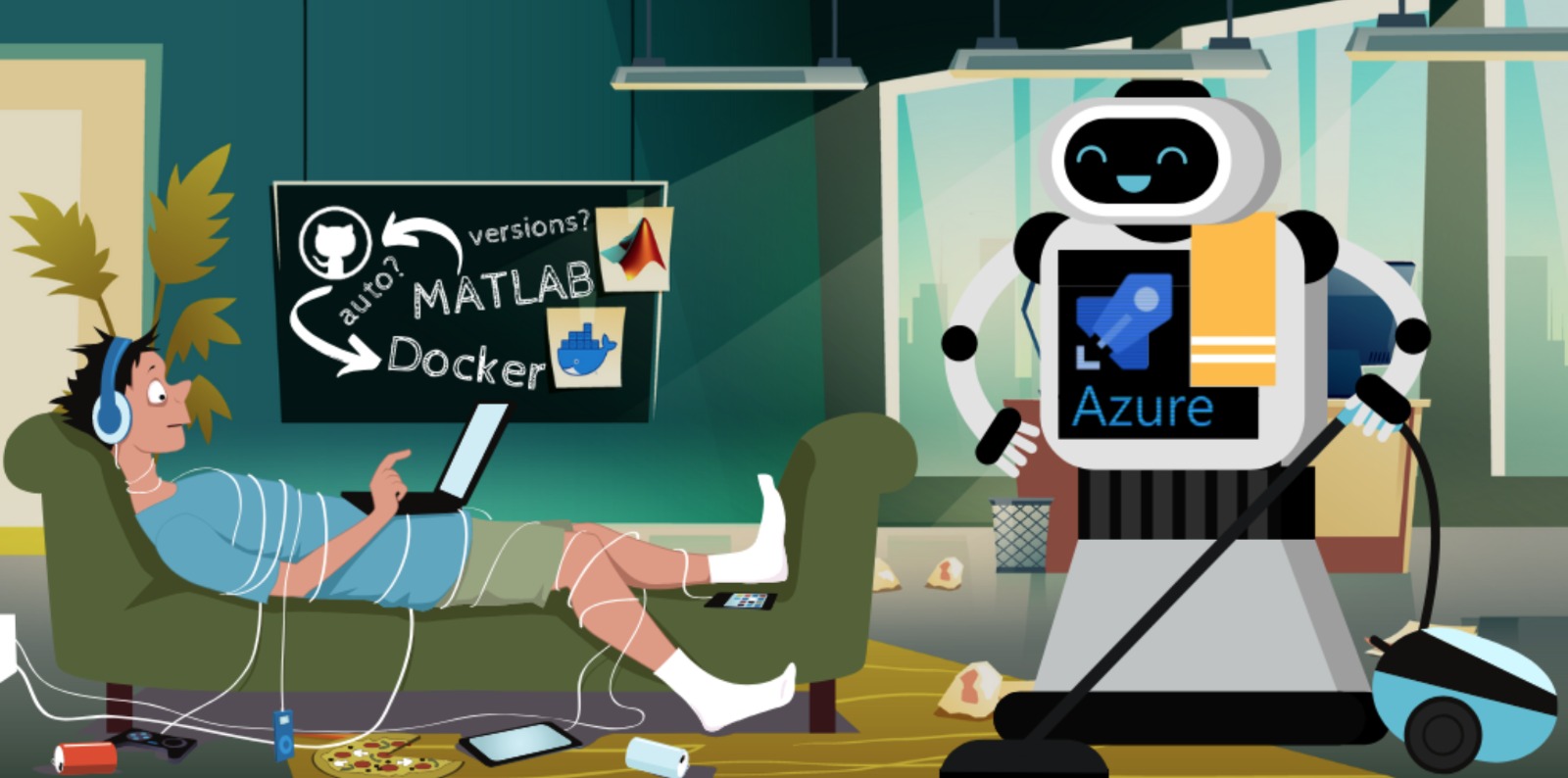
Take me down to the open-source city where the code is clean and the runtime is free!
Making your MATLAB code Octave compatible is always a good idea. Yet, sometimes it is not easily possible. As you are making your code Octave compatible, you may sacrifice some features (e.g. GUI) or performance. How do we get the best of both MATLAB and Octave?
Don’t worry, you won’t have to sell your soul to the devil to do it :) All it takes is to set up an Azure self-hosted agent.
Good news: I wrote a blog post to explain how to do that!
Owner
- Name: Agah
- Login: agahkarakuzu
- Kind: user
- Location: Montreal
- Company: @neuropoly @qMRLab @neurolibre
- Website: https://agahkarakuzu.github.io
- Twitter: agahkarakuzu
- Repositories: 114
- Profile: https://github.com/agahkarakuzu
GitHub Events
Total
Last Year
Issues and Pull Requests
Last synced: about 1 year ago
All Time
- Total issues: 2
- Total pull requests: 0
- Average time to close issues: about 3 years
- Average time to close pull requests: N/A
- Total issue authors: 2
- Total pull request authors: 0
- Average comments per issue: 2.5
- Average comments per pull request: 0
- Merged pull requests: 0
- Bot issues: 0
- Bot pull requests: 0
Past Year
- Issues: 0
- Pull requests: 0
- Average time to close issues: N/A
- Average time to close pull requests: N/A
- Issue authors: 0
- Pull request authors: 0
- Average comments per issue: 0
- Average comments per pull request: 0
- Merged pull requests: 0
- Bot issues: 0
- Bot pull requests: 0
Top Authors
Issue Authors
- Remi-Gau (1)
- agahkarakuzu (1)
Pull Request Authors
Top Labels
Issue Labels
Pull Request Labels
Dependencies
- actions/checkout v2 composite
- actions/checkout v2 composite
- codecov/codecov-action v1 composite
- joergbrech/moxunit-action master composite
- qmrlab/octjn v2.4.0 build
- qmrlab/octjn v2.4.0 build