# disentanglement_lib
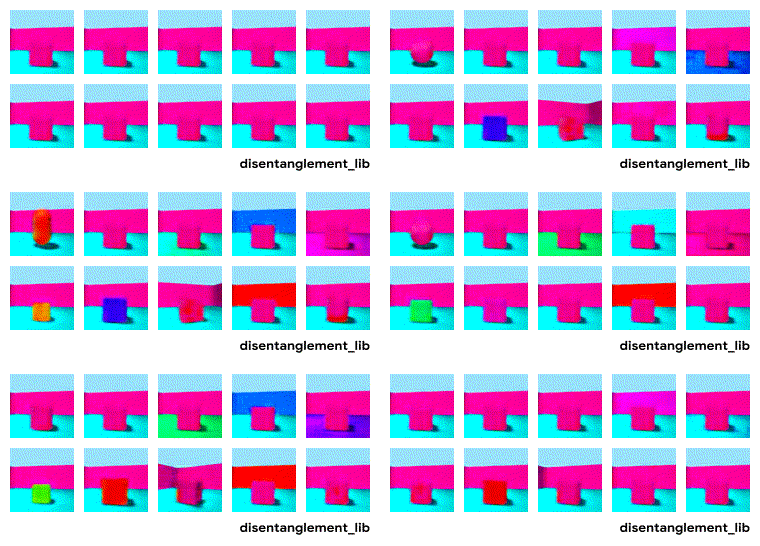
**disentanglement_lib** is an open-source library for research on learning disentangled representation.
It supports a variety of different models, metrics and data sets:
* *Models*: BetaVAE, FactorVAE, BetaTCVAE, DIP-VAE
* *Metrics*: BetaVAE score, FactorVAE score, Mutual Information Gap, SAP score, DCI, MCE, IRS
* *Data sets*: dSprites, Color/Noisy/Scream-dSprites, SmallNORB, Cars3D, and Shapes3D
* It also includes 10'800 pretrained disentanglement models (see below for details).
disentanglement_lib was created by Olivier Bachem and Francesco Locatello at Google Brain Zurich for the large-scale empirical study
> [**Challenging Common Assumptions in the Unsupervised Learning of Disentangled Representations.**](https://arxiv.org/abs/1811.12359)
> *Francesco Locatello, Stefan Bauer, Mario Lucic, Gunnar Rtsch, Sylvain Gelly, Bernhard Schlkopf, Olivier Bachem*. arXiv preprint, 2018.
The code is tested with Python 3 and is meant to be run on Linux systems (such as a [Google Cloud Deep Learning VM](https://cloud.google.com/deep-learning-vm/docs/)).
It uses TensorFlow, Scipy, Numpy, Scikit-Learn, TFHub and Gin.
## How does it work?
disentanglement_lib consists of several different steps:
* **Model training**: Trains a TensorFlow model and saves trained model in a TFHub module.
* **Postprocessing**: Takes a trained model, extracts a representation (e.g. by using the mean of the Gaussian encoder) and saves the representation function in a TFHub module.
* **Evaluation**: Takes a representation function and computes a disentanglement metric.
* **Visualization**: Takes a trained model and visualizes it.
All configuration details and experimental results of the different steps are saved and propagated along the steps (see below for a description).
At the end, they can be aggregated in a single JSON file and analyzed with Pandas.
## Usage
### Installing disentanglement_lib
First, clone this repository with
```
git clone https://github.com/google-research/disentanglement_lib.git
```
Then, navigate to the repository (with `cd disentanglement_lib`) and run
```
pip install .[tf_gpu]
```
(or `pip install .[tf]` for TensorFlow without GPU support).
This should install the package and all the required dependencies.
To verify that everything works, simply run the test suite with
```
dlib_tests
```
### Downloading the data sets
To download the data required for training the models, navigate to any folder and run
```
dlib_download_data
```
which will install all the required data files (except for Shapes3D which is not
publicly released) in the current working directory.
For convenience, we recommend to set the environment variable `DISENTANGLEMENT_LIB_DATA` to this path, for example by adding
```
export DISENTANGLEMENT_LIB_DATA=
```
to your `.bashrc` file. If you choose not to set the environment variable `DISENTANGLEMENT_LIB_DATA`, disentanglement_lib will always look for the data in your current folder.
### Reproducing prior experiments
To fully train and evaluate one of the 12'600 models in the paper [*Challenging Common Assumptions in the Unsupervised Learning of Disentangled Representations*](https://arxiv.org/abs/1811.12359), simply run
```
dlib_reproduce --model_num=
```
where `` should be replaced with a model index between 0 and 12'599 which
corresponds to the ID of which model to train.
This will take a couple of hours and add a folder `output/` which contains the trained model (including checkpoints and TFHub modules), the experimental results (in JSON format) and visualizations (including GIFs).
To only print the configuration of that model instead of training, add the flag `--only_print`.
After having trained several of these models, you can aggregate the results by running
the following command (in the same folder)
```
dlib_aggregate_results
```
which creates a `results.json` file with all the aggregated results.
### Running different configurations
Internally, disentanglement_lib uses [gin](https://github.com/google/gin-config) to configure hyperparameters and other settings.
To train one of the provided models but with different hyperparameters, you need to write a gin config such as `examples/model.gin`.
Then, you may use the following command
```
dlib_train --gin_config=examples/model.gin --model_dir=
```
to train the model where `--model_dir` specifies where the results should be saved.
To evaluate the newly trained model consistent with the evaluation protocol in the paper [*Challenging Common Assumptions in the Unsupervised Learning of Disentangled Representations*](https://arxiv.org/abs/1811.12359), simply run
```
dlib_reproduce --model_dir= --output_directory=